Updated 2026-10-12
A pet memorial card can carry a photograph, a name and a few words chosen by the person who knew the pet. Start by deciding who will keep or receive it. A card shared at a family gathering needs different information from a sympathy note sent to a grieving friend.
You can leave dates out. You can use only the photograph. The useful decisions are what to include, how large the finished card will be, and who will approve the file before copies are made.
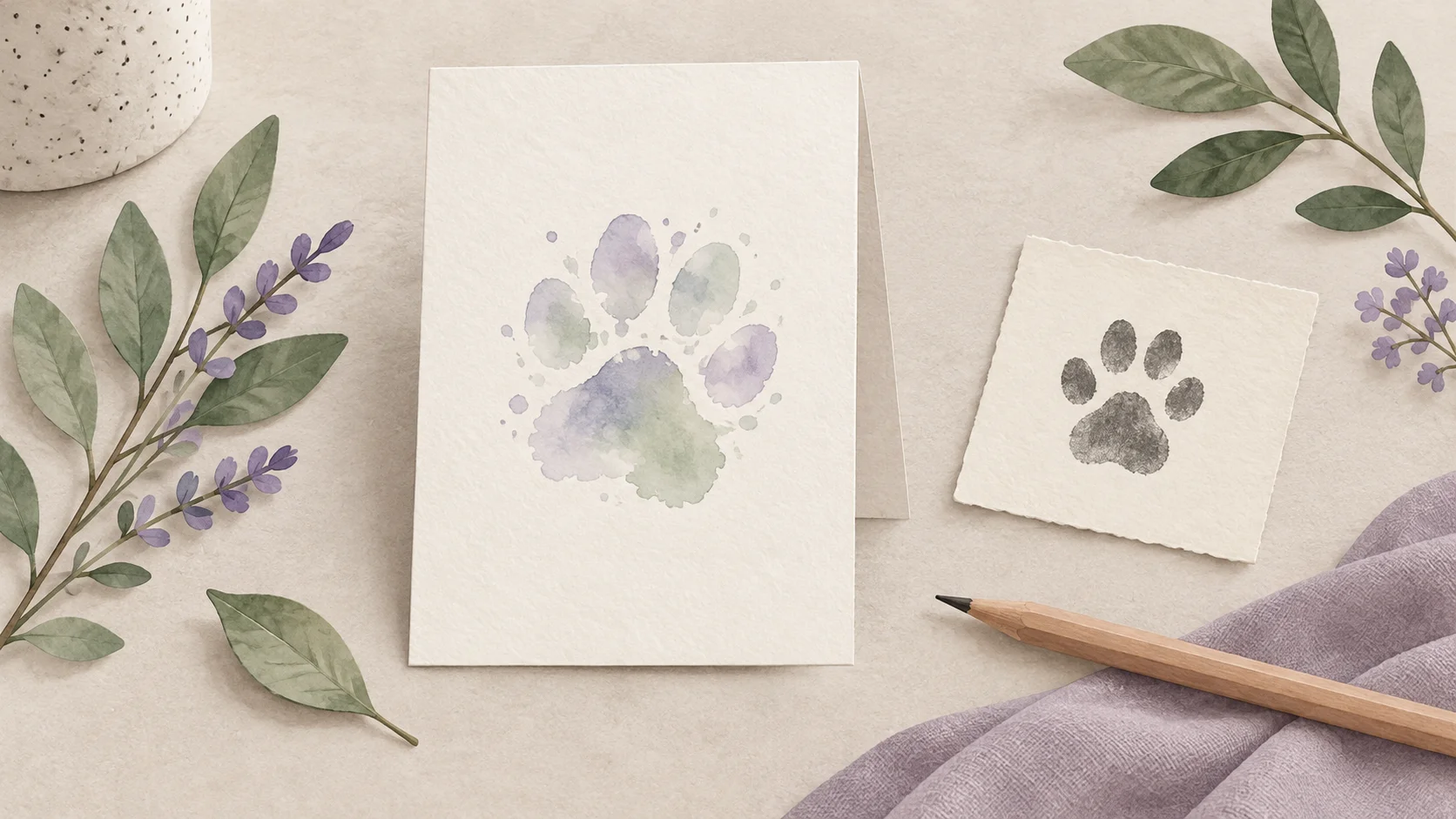
Concept illustration: plan the card before choosing its final format.
Choose the pet memorial card's format first
The search term covers several different products. EverCherish offers engraved aluminum cards, including wallet, hanging and magnet formats. A Sweet Expression Announcements listing supplies a digital 5×7 PDF/JPEG after a proof is approved. Art in a Sec describes a physical 5×7 print made from a pet photograph. Those are different deliveries, even when the product names sound similar.
| What you want to keep | What to confirm before making the artwork |
|---|---|
| A flat photo card for a table, envelope or frame | Finished width and height, orientation and the file the printer accepts |
| A folded card with an inside message | Flat sheet size, fold position, front/back placement and the printer's template |
| A wallet or engraved metal keepsake | The maker's actual format, photograph treatment and proof process |
| A digital card sent privately | Readability on the recipient's device and which file they should save |
A flat 5×7 PDF does not supply a folded-card layout or a metal engraving specification. Confirm the format first so the print shop is not left to guess.
Keep the approved words together
Write the name exactly as it should appear, including any nickname, accents or capital letters. Ask the owner whether to include birth, adoption or passing dates. If a date is uncertain, omit it or agree on an approximate wording; a template's empty date space is not a reason to invent a year.
Keep a separate text copy. It makes a spelling change possible without relying on someone to retype a small image. For a gathering, any practical information belongs in a separate invitation or note unless the owner wants it on the keepsake.
These are original fictional examples, not accounts of a real pet:
- Name and memory: “Milo. We will remember the sunny spot you always found.”
- Name without dates: “Luna — remembered with love by your family.”
- A shared habit: “For the friend who waited beside the garden gate.”
Use a line that fits the actual relationship. If the card is a message to the owner, the pet sympathy card wording guide covers that different task. For a poem or quotation, keep its source and check the permission for the use you intend.
Inspect the photograph and lettering at the finished size
Choose the original file you want to use and keep a copy before cropping. Check the ear tips, chin, whiskers and eyes inside the proposed photo area. If you choose generated artwork, compare those details with the reference photograph and identify the image as a creative interpretation rather than an unchanged photo.
Look at a proof at the size people will hold. A long name that looks spacious on a laptop can become difficult to read on a wallet card. A proof should show the same crop, text and layout as the approved production file. Ask for another proof after a change rather than assuming an earlier approval still applies.
Zazzle's 3.5×5 pet memorial card specifies its own design area and bleed. Treat that as a requirement for that product, not a universal setting for all memorial cards. Ask your chosen printer for its current template, margins and accepted file format.
Check pixels against the size you chose
Adobe explains printed image resolution as pixels assigned to each printed inch. Changing a resolution label does not create detail unless the image is resampled.
The checker starts with a 1500×2100 layout because that is the current PetPortrait Bloom card canvas. Enter your actual downloaded dimensions when using another file. At 5×7 inches, 1500×2100 gives 300 pixels per inch by arithmetic. That figure describes placement, not the sharpness of the photograph within the card or a printer's quality.
Check a print size
The starting values are an example. Enter the pixel dimensions of your downloaded file.
300.0 pixels per inch · artwork occupies 5.00 × 7.00 in.
This calculates placement within the measured rectangle. It does not crop a file, produce a print or certify printer quality.
Use the printer's finished dimensions. “Fit whole image” may leave space; “fill” estimates a crop and does not approve which details are cut away. Print one proof before ordering the full quantity if the layout or paper is unfamiliar.
Hand over a file version someone has actually checked
Record the final filename, finished size, quantity, approval date and the person doing the printing. Sending several similarly named files can lead to the wrong crop being printed. Keep the approved words, the source photograph and the print file separately.
A pet memorial card proof and print handoff
An original blank worksheet. Download it to fill in on your device.
See what the file contains
PET MEMORIAL CARD — PROOF AND PRINT HANDOFF

Who is making or sharing the card:
Name / nickname exactly as approved:
Dates: confirmed wording / omit / leave blank:
Short message exactly as approved:
Photo source and permission:
Photo treatment: original photograph / generated portrait, clearly identified:
Fixed or editable headline and other template limits:
Finished card size, orientation and unit:
Flat / folded / front and back / other format confirmed with printer:
Print filename and actual pixel width × height:
Printer's required file format, bleed, margin and color profile:
Who checked a proof at the finished size:
Spelling, dates, face and text checked on that proof:
Approved file version and approval date:
Number of copies wanted:
Person responsible for printing / delivery:
Delivery date confirmed by that person:
QR destination owner and maintenance plan, if separately provided:
Final files and editable wording saved separately at:

This is a blank planning record, not a card, print order or delivery promise.
Leave unknown details blank. Do not use temporary download links for a lasting printed QR destination.
If you add a QR code through another service, ask who maintains the destination. A temporary download link is a poor destination for a card intended to last. PetPortrait Bloom's private download links are temporary; the current card tool does not provide a lasting hosted QR memorial.
What PetPortrait Bloom can prepare in the current preview
The card creation tool combines a generated pet portrait with wording you confirm. Its current layout has a fixed “A little love, forever” heading, a flat 1500×2100 canvas and a message limit of 500 characters. It is not an unrestricted card editor, and the portrait is not an untouched photograph.
After an eligible work is unlocked, its downloads include a card PNG and 5×7 and 8×10 PDF files. These are flat digital files; PetPortrait Bloom does not print or mail them. The PDF places the whole image on the paper and may leave space at a different aspect ratio. If you need a fold, reverse side, bleed or an original-photo-only design, use the actual printer's template or an editor that supports that layout.
Can I leave the dates blank?
Yes. A name, photograph or short memory can be enough. Keep the date choice in the approved wording so someone else does not fill it in later.
Does a PDF automatically meet the printer's requirements?
No. Check its finished size, margins, crop and the printer's required format. A downloadable file is not proof that it meets a particular printer's specification.
Can I reuse the card for a gathering and a private message?
You can prepare separate versions. Confirm which wording and photograph the owner wants shared, and record which file is for which audience.
Distinguish a memorial card from a sympathy message
A pet memorial card kept by the family or shared at a gathering may carry the owner’s chosen photograph and words. A sympathy card is usually a message from someone else to the bereaved person. Decide which role the card serves before writing. That determines the speaker, the information needed and who approves it. The sympathy card workflow handles the second role, while this page prepares an owner-approved remembrance file and its print handoff.
Make the version and dimensions part of the brief
Record the intended finished size, orientation, quantity if printing, exact text and the filename of the approved image. Keep those decisions with a version label so a printer does not receive an earlier draft. The print-size checker uses the file’s pixels for arithmetic; it does not establish trim, bleed or a printer’s production settings. Ask the chosen printer for those requirements before finalizing the layout. A flat exported file should not be described as a folded or press-ready product unless those specifications have actually been prepared.
Check the name and image at the real size
Open the final file and inspect the name, optional dates, line breaks and face. View or print a proof at the intended physical size. A long name that looks comfortable enlarged may become too small on a wallet-sized card. If the wording is crowded, shorten it or use fewer elements. The original short remembrance lines offer concise writing options, and the photo reference guide helps select an image that remains recognizable when reduced.
Hand over the approved file with explicit responsibilities
State who approved the words, who approved the image and who handles the physical printing. Keep source photos and private planning notes separate from the delivery folder. If a digital card is the final product, make that clear instead of implying that printed copies are included. The custom memorial brief can record the printer’s requirements and order status. A proof approved on screen is a design milestone; check the actual printed result where the project includes physical copies.
Before you share it
Check the pet memorial card one last time for the name, date choice, face and final file version. Make the first copy small enough to hold as intended, read it without zooming, and pass that approved version to the person responsible for the rest.