Made for this idea
One AI image in a square, landscape or portrait composition. Use image-to-image if keeping your own pet recognizable is the main goal.
Text to image
One AI image in a square, landscape or portrait composition. Use image-to-image if keeping your own pet recognizable is the main goal.
Text to image
One AI image in a square, landscape or portrait composition. Use image-to-image if keeping your own pet recognizable is the main goal.
Start with a written description; no upload is needed. Name the animal, two identifying traits, the scene and the style. This route invents a pet rather than matching a photograph.
Keep the description consistent: one subject, a clear pose, a small number of colors and one visual treatment. Describe important markings explicitly instead of assuming a breed name contains every detail.
Start with a written description; no upload is needed. Name the animal, two identifying traits, the scene and the style. This route invents a pet rather than matching a photograph.
Keep the description consistent: one subject, a clear pose, a small number of colors and one visual treatment. Describe important markings explicitly instead of assuming a breed name contains every detail.
Check the quoted credits before submitting. When the work is ready, compare the face, edges and composition; for video, watch the beginning, middle and end. Download the accepted file from your library before its expiry date.
Text to image
This editable preset guides the model. Review the result before keeping it; a preset is not a guarantee of likeness, exact motion or flawless editing.
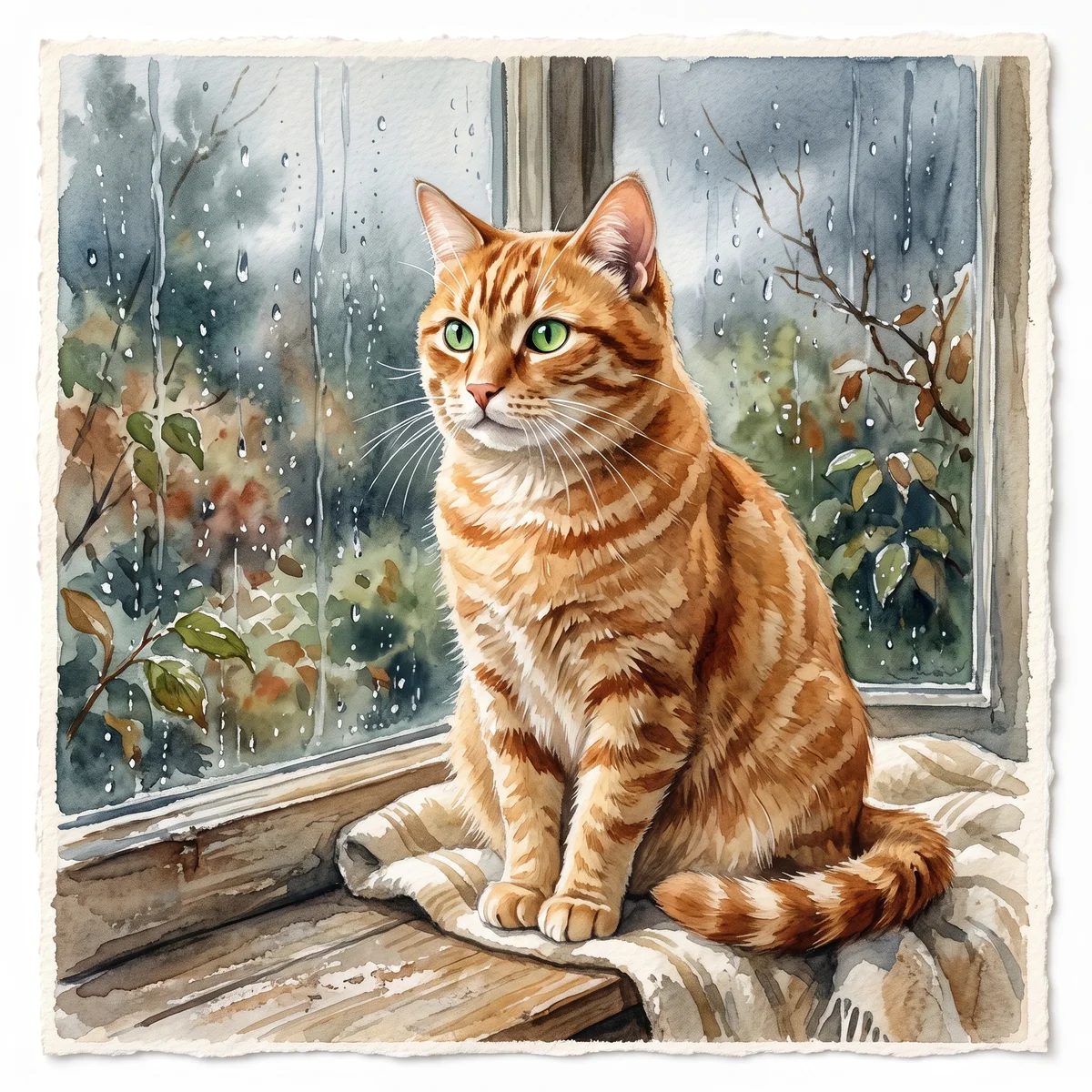
Create a detailed image of a beloved pet. Soft watercolor pet portrait with visible paper texture. Clear anatomy, expressive eyes, coherent lighting, no text or watermark.Try the other starting point · Image to image →
These are individual tests with licensed photographs or a written prompt. Compare the details before choosing a workflow; each result can differ.
A warm hand-painted watercolor illustration of one small orange and white corgi sitting among tiny daisies near the bottom of a pale cream vertical phone wallpaper. Keep the entire dog including both ears and paws inside the frame. The upper third is calm blank cream space for a phone clock. Soft paper texture, muted sage green leaves, no text, no clock, no lettering, no watermark.
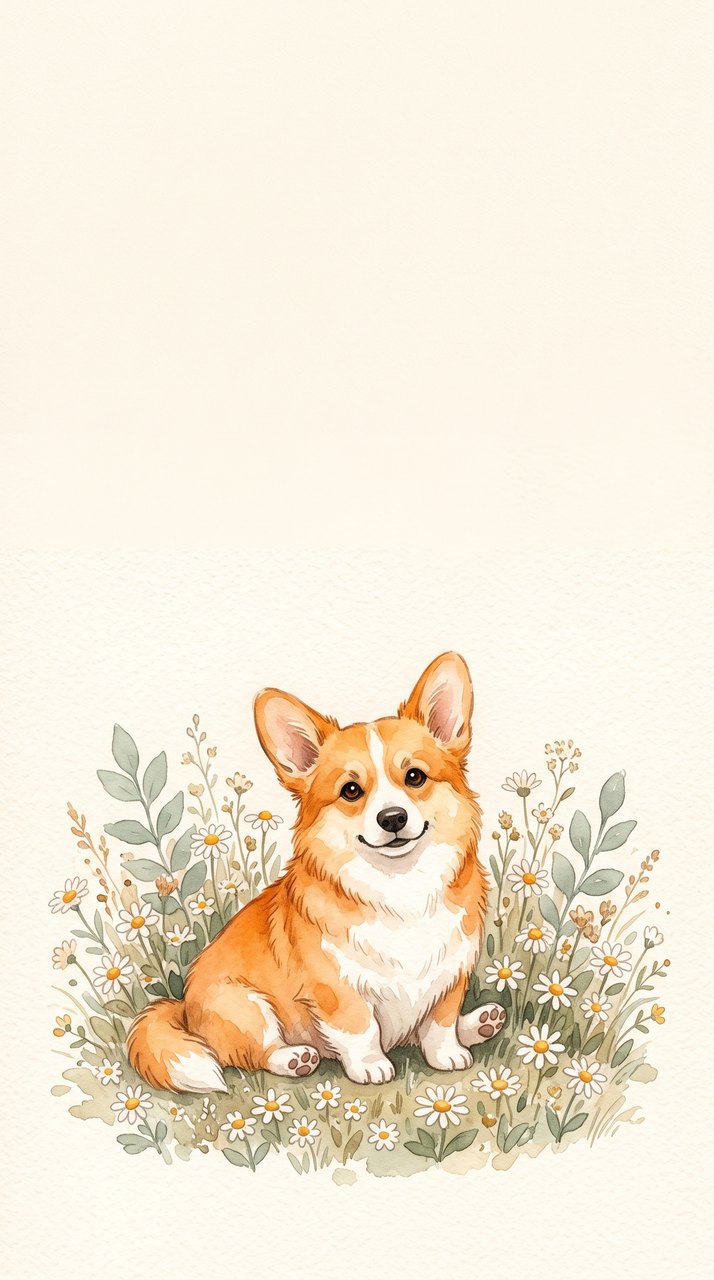
The corgi sits below a large quiet area for a phone clock. This is an invented dog from a text prompt. Use a photo-based workflow when you want to reference your own pet.
R05 · 2026-10-14 · fal-ai/nano-banana-2
Images and videos are compressed for this page. The dimensions shown describe the downloadable original. Video previews use the delivered clip without changing its action or playback speed.
Free previews carry a watermark: images up to 768 px on the long side and videos at 480p. They remain available for 14 days. Original access requires purchased credits when checkout is available; unlocked works are kept for 90 days. Check the actual dimensions and expiry on the completed work.
View pricing and access →Uploads and generated files belong to your private workspace. Generation providers process the material you submit. Sharing is a separate choice; upload only material you have permission to use.
Read the data-handling notice →Start with a written description; no upload is needed. Name the animal, two identifying traits, the scene and the style. This route invents a pet rather than matching a photograph.
Keep the description consistent: one subject, a clear pose, a small number of colors and one visual treatment. Describe important markings explicitly instead of assuming a breed name contains every detail.
A reference image gives the model information to work from, but distinctive markings, proportions and expressions can change. Text-only creation invents a pet from your description. If exact documentary detail matters, retain the original photo alongside any AI interpretation.
Free previews carry a watermark: images up to 768 px on the long side and videos at 480p. They remain available for 14 days. Original access requires purchased credits when checkout is available; unlocked works are kept for 90 days. Check the actual dimensions and expiry on the completed work.
This editable preset guides the model. Review the result before keeping it; a preset is not a guarantee of likeness, exact motion or flawless editing.