Made for this idea
An expressive character for a profile image, invitation or personal joke. Simplified shapes should make the pet easier to recognize at a small size.
Image to image
An expressive character for a profile image, invitation or personal joke. Simplified shapes should make the pet easier to recognize at a small size. A new image guided by your references. The result may reinterpret fine details; keep the original photo for comparison. This is whole-image generation rather than a pixel-locked masked editor.
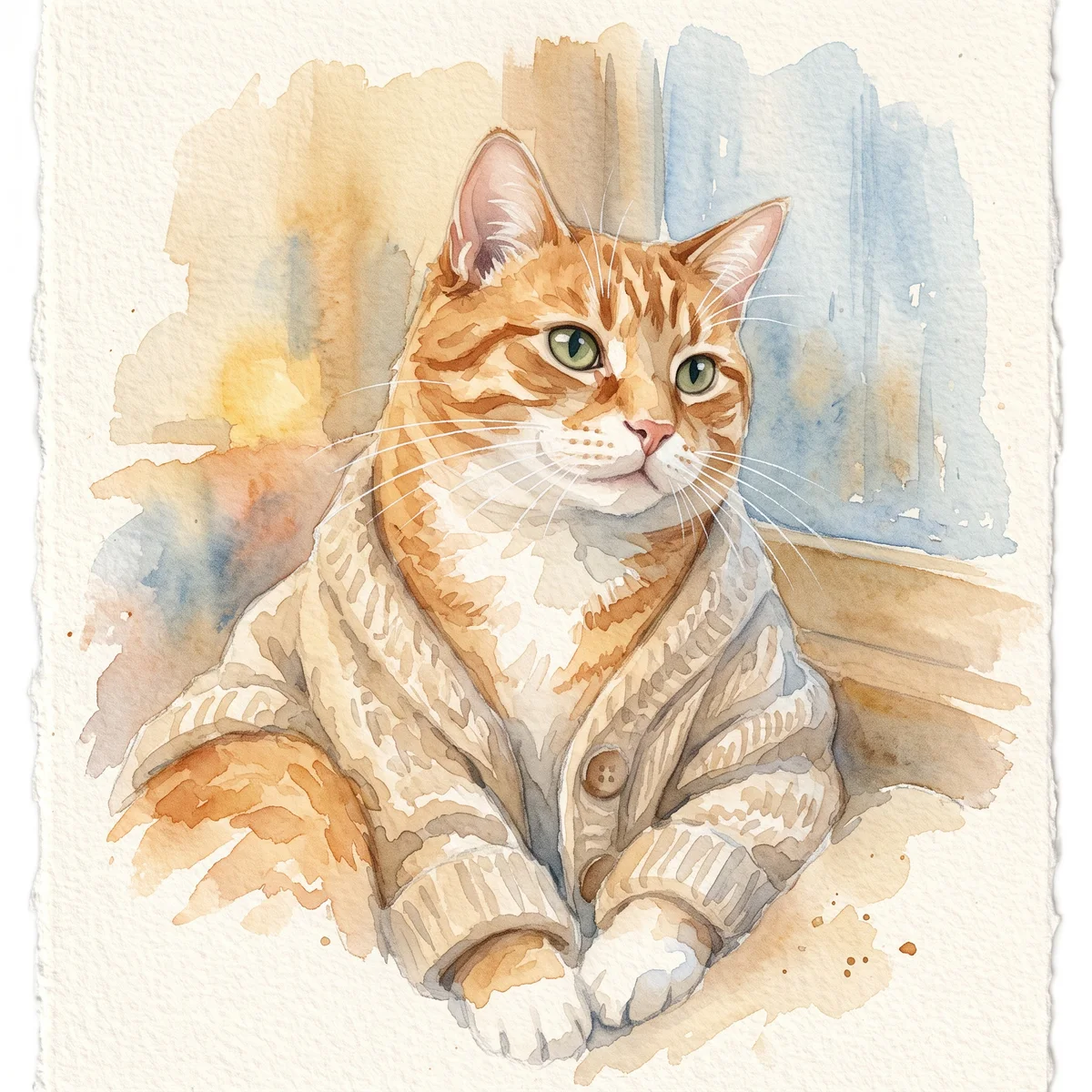
Cartoon pet
An expressive character for a profile image, invitation or personal joke. Simplified shapes should make the pet easier to recognize at a small size.
Choose two identifying details to keep, such as a bent ear and a white nose stripe. Ask for simple outlines and one expression; too many accessories compete with the face.
View the result as a thumbnail. Check that exaggeration has not changed species, age or coat pattern, and keep a less exaggerated version if the intended recipient prefers a familiar face.
Upload one to five JPG, PNG or WebP references, each up to 12 MB. Start with a clear face and add another angle only when it explains a marking or body feature.
Say what should change and what should remain: for example, change the setting while keeping the ear shape, eye color and chest patch. Avoid combining an outfit, background, pose and lighting change in the first attempt.
Check the quoted credits before submitting. When the work is ready, compare the face, edges and composition; for video, watch the beginning, middle and end. Download the accepted file from your library before its expiry date.
Image to image
This editable preset guides the model. Review the result before keeping it; a preset is not a guarantee of likeness, exact motion or flawless editing.
Edit the uploaded pet photograph. Expressive original cartoon character in a clean colorful style. Preserve the pet’s recognizable face, coat markings and proportions. Do not add text or watermarks.Try the other starting point · Text to image →
This is an AI demo from a real generation run. It illustrates the input mode; it is not a result for every style or a customer photograph.
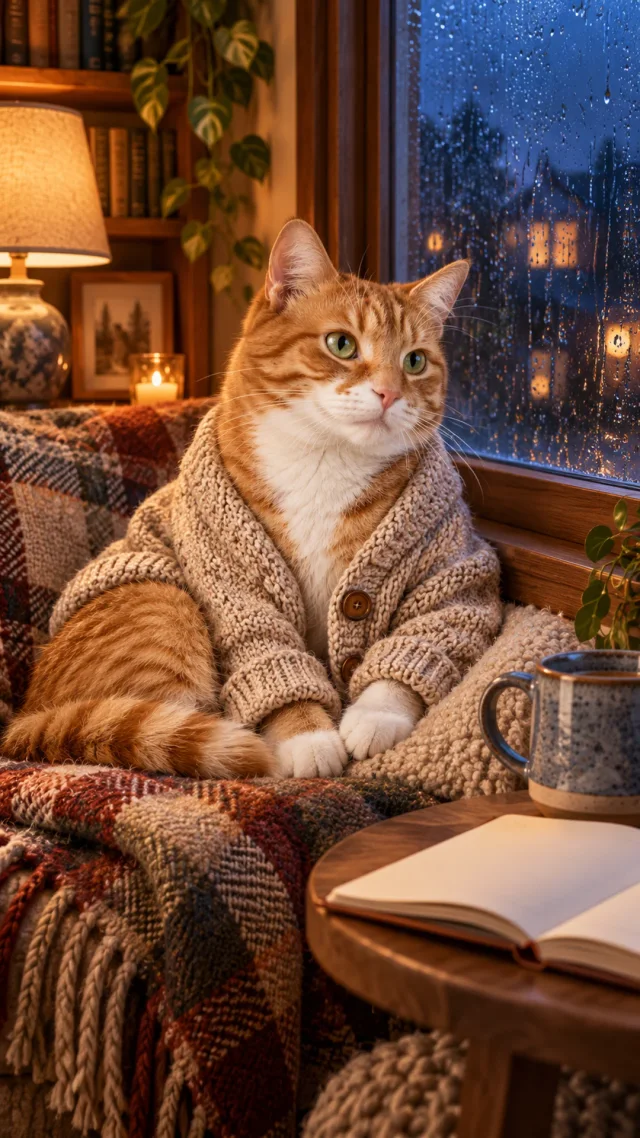
A new image guided by your references. The result may reinterpret fine details; keep the original photo for comparison. This is whole-image generation rather than a pixel-locked masked editor.
Free previews carry a watermark: images up to 768 px on the long side and videos at 480p. They remain available for 14 days. Original access requires purchased credits when checkout is available; unlocked works are kept for 90 days. Check the actual dimensions and expiry on the completed work.
View pricing and access →Uploads and generated files belong to your private workspace. Generation providers process the material you submit. Sharing is a separate choice; upload only material you have permission to use.
Read the data-handling notice →Upload one to five JPG, PNG or WebP references, each up to 12 MB. Start with a clear face and add another angle only when it explains a marking or body feature.
View the result as a thumbnail. Check that exaggeration has not changed species, age or coat pattern, and keep a less exaggerated version if the intended recipient prefers a familiar face.
A reference image gives the model information to work from, but distinctive markings, proportions and expressions can change. Text-only creation invents a pet from your description. If exact documentary detail matters, retain the original photo alongside any AI interpretation.
Free previews carry a watermark: images up to 768 px on the long side and videos at 480p. They remain available for 14 days. Original access requires purchased credits when checkout is available; unlocked works are kept for 90 days. Check the actual dimensions and expiry on the completed work.
This editable preset guides the model. Review the result before keeping it; a preset is not a guarantee of likeness, exact motion or flawless editing.