Made for this idea
An imagined studio portrait with controlled light and a clean setting. Useful for a polished digital image, while keeping it clearly separate from an actual photography session.
Text to image
An imagined studio portrait with controlled light and a clean setting. Useful for a polished digital image, while keeping it clearly separate from an actual photography session. One AI image in a square, landscape or portrait composition. Use image-to-image if keeping your own pet recognizable is the main goal.
Pet studio photoshoot
An imagined studio portrait with controlled light and a clean setting. Useful for a polished digital image, while keeping it clearly separate from an actual photography session.
Keep the camera near eye level, specify a single soft key light and choose one background tone. Preserve natural fur texture instead of asking for overly smooth skin.
Inspect reflections in the eyes, whisker edges and the shadow under the body. A photographic look does not mean the image documents a real moment.
Start with a written description; no upload is needed. Name the animal, two identifying traits, the scene and the style. This route invents a pet rather than matching a photograph.
Keep the description consistent: one subject, a clear pose, a small number of colors and one visual treatment. Describe important markings explicitly instead of assuming a breed name contains every detail.
Check the quoted credits before submitting. When the work is ready, compare the face, edges and composition; for video, watch the beginning, middle and end. Download the accepted file from your library before its expiry date.
Text to image
This editable preset guides the model. Review the result before keeping it; a preset is not a guarantee of likeness, exact motion or flawless editing.
Create a detailed image of a beloved pet. Realistic studio pet photograph with soft professional lighting. Clear anatomy, expressive eyes, coherent lighting, no text or watermark.Try the other starting point · Image to image →
This is an AI demo from a real generation run. It illustrates the input mode; it is not a result for every style or a customer photograph.
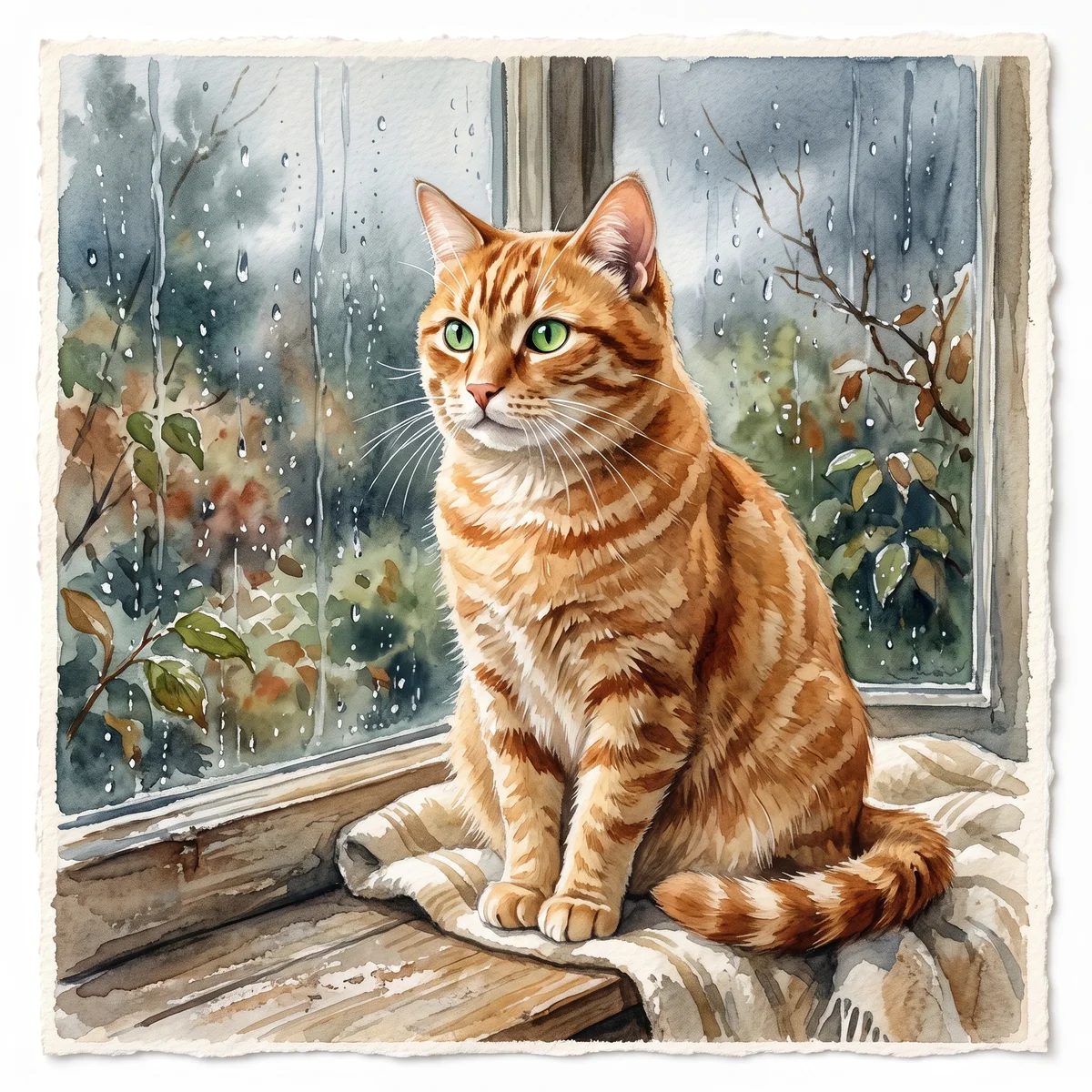
An orange tabby with green eyes, sitting by a rainy window. Watercolor on textured ivory paper.
One AI image in a square, landscape or portrait composition. Use image-to-image if keeping your own pet recognizable is the main goal.
Free previews carry a watermark: images up to 768 px on the long side and videos at 480p. They remain available for 14 days. Original access requires purchased credits when checkout is available; unlocked works are kept for 90 days. Check the actual dimensions and expiry on the completed work.
View pricing and access →Uploads and generated files belong to your private workspace. Generation providers process the material you submit. Sharing is a separate choice; upload only material you have permission to use.
Read the data-handling notice →Start with a written description; no upload is needed. Name the animal, two identifying traits, the scene and the style. This route invents a pet rather than matching a photograph.
Inspect reflections in the eyes, whisker edges and the shadow under the body. A photographic look does not mean the image documents a real moment.
A reference image gives the model information to work from, but distinctive markings, proportions and expressions can change. Text-only creation invents a pet from your description. If exact documentary detail matters, retain the original photo alongside any AI interpretation.
Free previews carry a watermark: images up to 768 px on the long side and videos at 480p. They remain available for 14 days. Original access requires purchased credits when checkout is available; unlocked works are kept for 90 days. Check the actual dimensions and expiry on the completed work.
This editable preset guides the model. Review the result before keeping it; a preset is not a guarantee of likeness, exact motion or flawless editing.