Prepare your starting material
Use a sharp photo with visible fur edges. Choose one neutral background and identify any collar or facial details to preserve.
Image to image
Change a pet photo background to a simple studio setting while asking the model to retain the original expression. For an unchanged pet cutout, trace the silhouette locally and place it on a solid background.
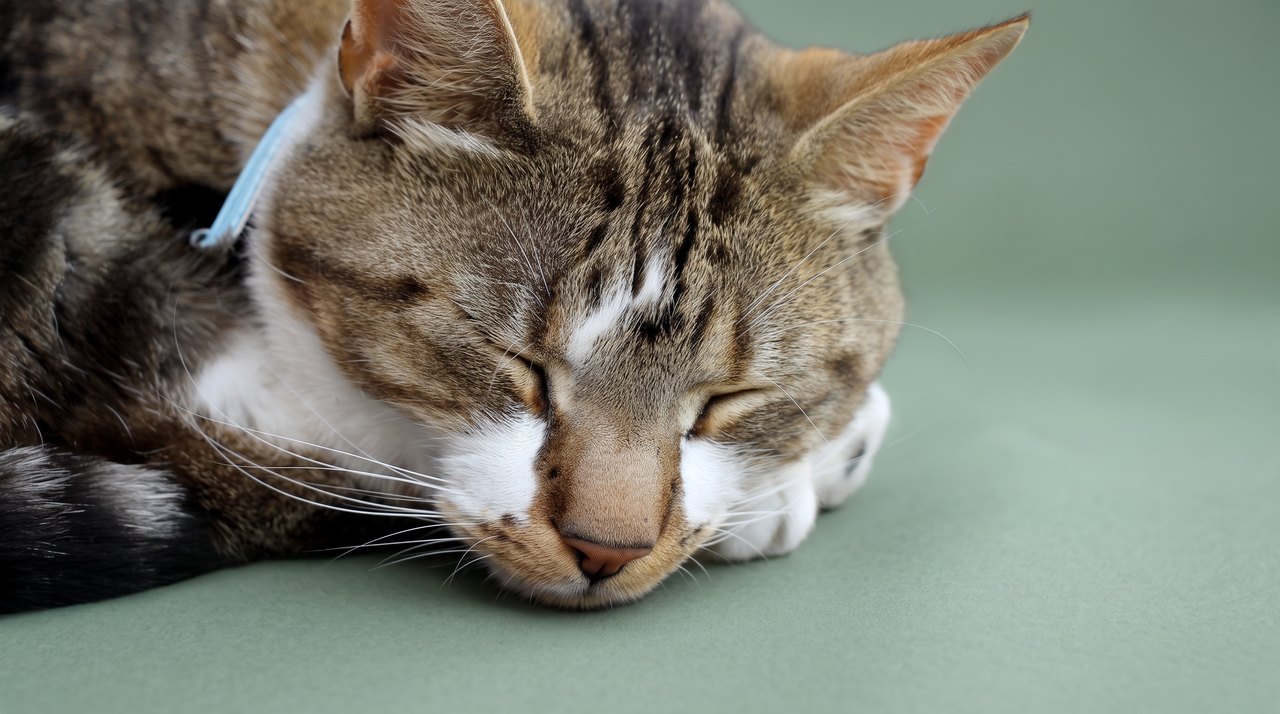
Use a sharp photo with visible fur edges. Choose one neutral background and identify any collar or facial details to preserve.
Inspect the eyes, mouth, whiskers and paws against the original. Look for rectangular seams or altered fur near the edge.
Generative edits may change the pet. Local cutout retains selected original pixels, with automatic masking, edge refinement and manual tracing available.
Replace only the background with a seamless neutral warm beige studio backdrop and floor. Keep the same pet's expression, eyes, whiskers, collar, markings and pose. Preserve natural frame-edge crops, no invented hidden body parts or rectangular seams, no text.Trace the pet outline, choose a background color, and download the composite. This uses your selected photo pixels.
This tool works in your browser. Your selected photo is not uploaded, and no generation credits are used.
Your photo will appear here.
These are individual tests with licensed photographs or a written prompt. Compare the details before choosing a workflow; each result can differ.
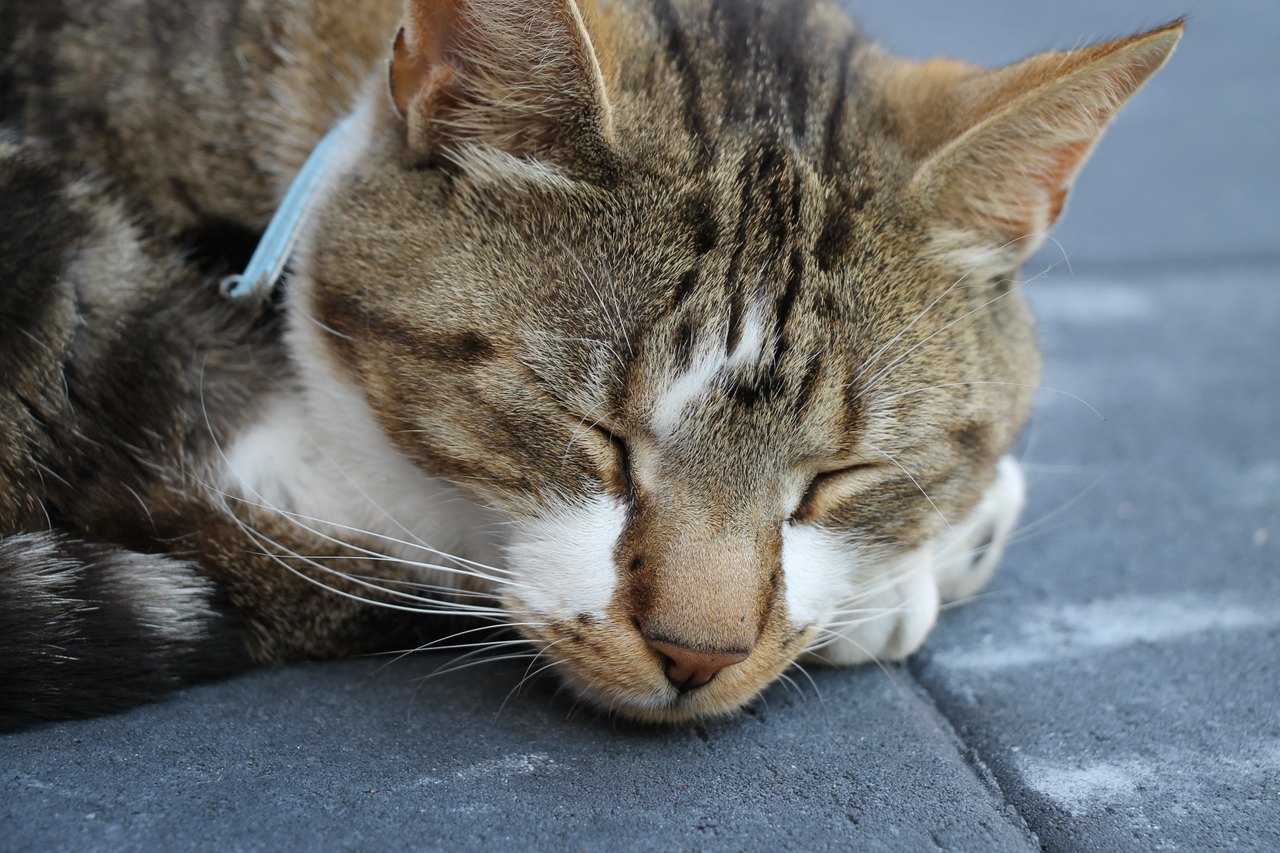
This retest removes the straight seam seen in an earlier attempt. Closed eyes, the blue collar and the visible right ear remain recognizable. Parts already cropped by the source stay at the frame edge. Fine fur details are still regenerated; this is not a pixel-locked edit.
Source photograph: Roy Tanck · CC0-1.0
R06 · 2026-10-14 · fal-ai/nano-banana-2/edit
Change the gray paving behind and below this resting cat to a seamless muted sage studio surface and backdrop. Preserve the same sleeping cat, its closed eyelids, face, white muzzle, tabby markings, blue collar, visible whiskers and original relaxed position. Keep the complete visible right ear inside the frame. The other ear and part of the body are already cut off by the original photograph: retain those natural frame-edge crops, do not invent their hidden parts. The visible fur must connect naturally to the edge of the picture, with no pasted rectangle or straight horizontal seam across the cat. No added objects, lettering, new pose, or opened eyes.
Images and videos are compressed for this page. The dimensions shown describe the downloadable original. Video previews use the delivered clip without changing its action or playback speed.
Free previews carry a watermark: images up to 768 px on the long side and videos at 480p. They remain available for 14 days. Original access requires purchased credits when checkout is available; unlocked works are kept for 90 days. Check the actual dimensions and expiry on the completed work.
Uploads and generated files belong to your private workspace. Generation providers process the material you submit. Sharing is a separate choice; upload only material you have permission to use.
Generative edits may change the pet. Local cutout retains selected original pixels, with automatic masking, edge refinement and manual tracing available.
This editable preset guides the model. Review the result before keeping it; a preset is not a guarantee of likeness, exact motion or flawless editing.