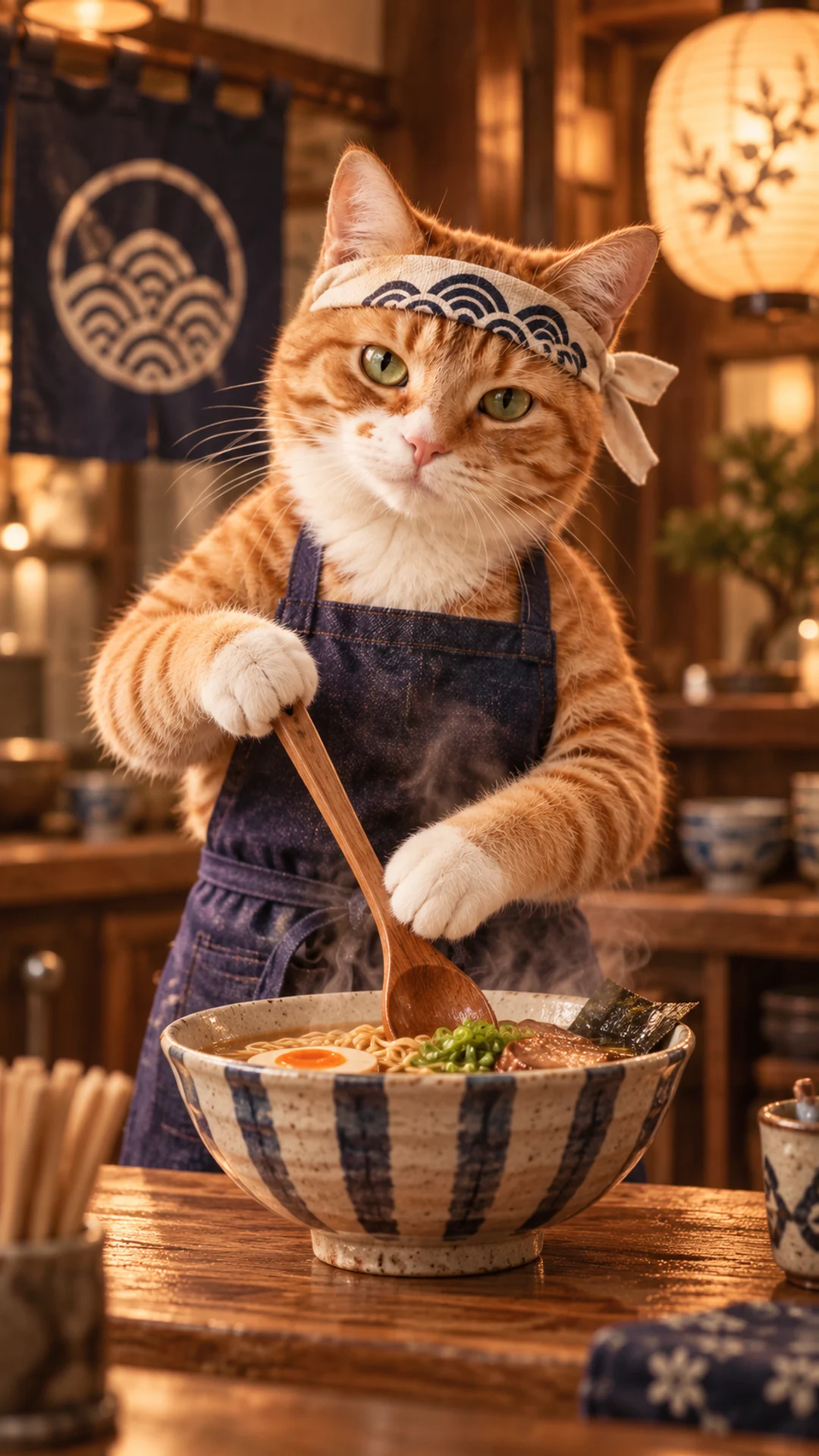
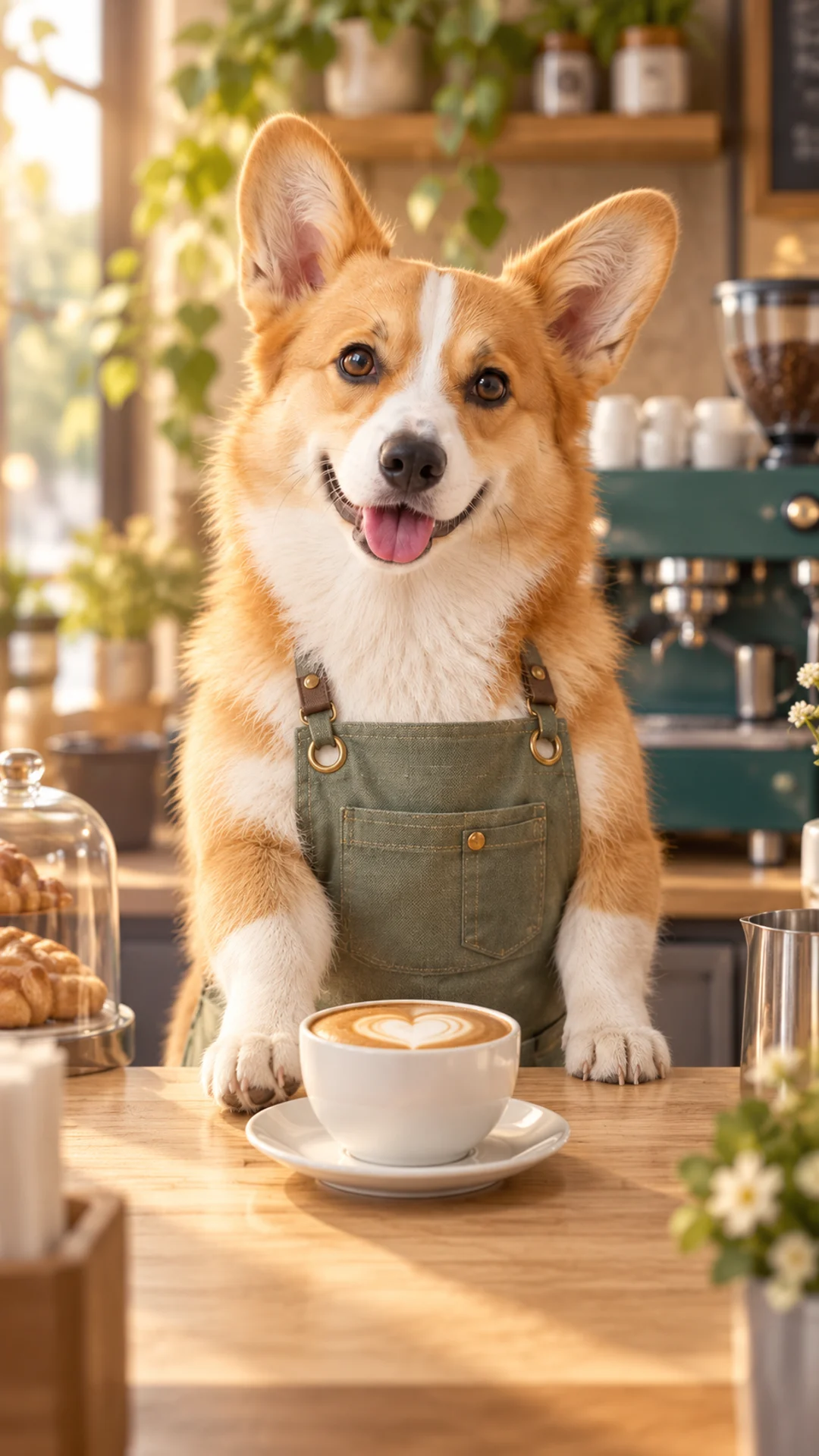
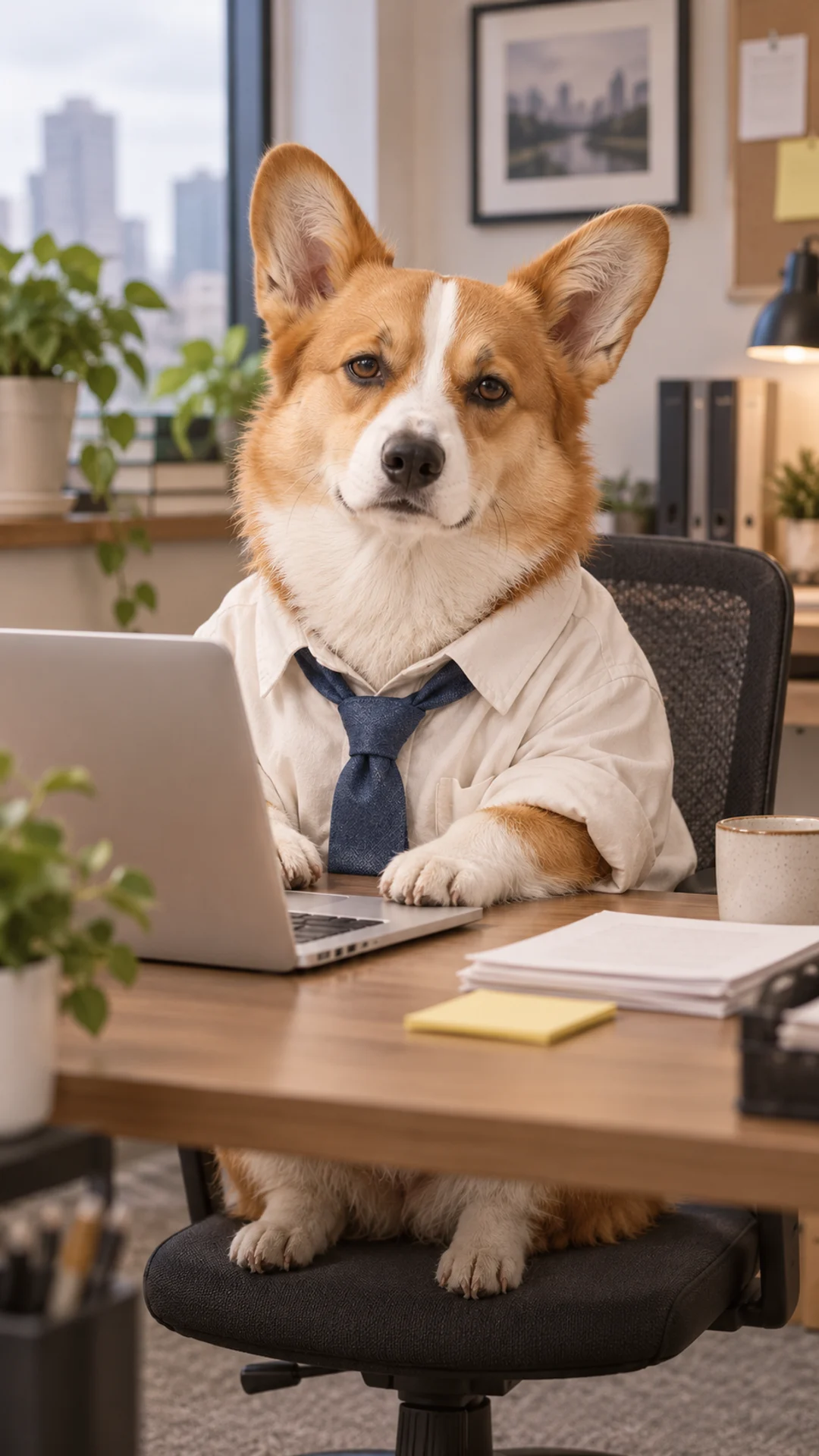
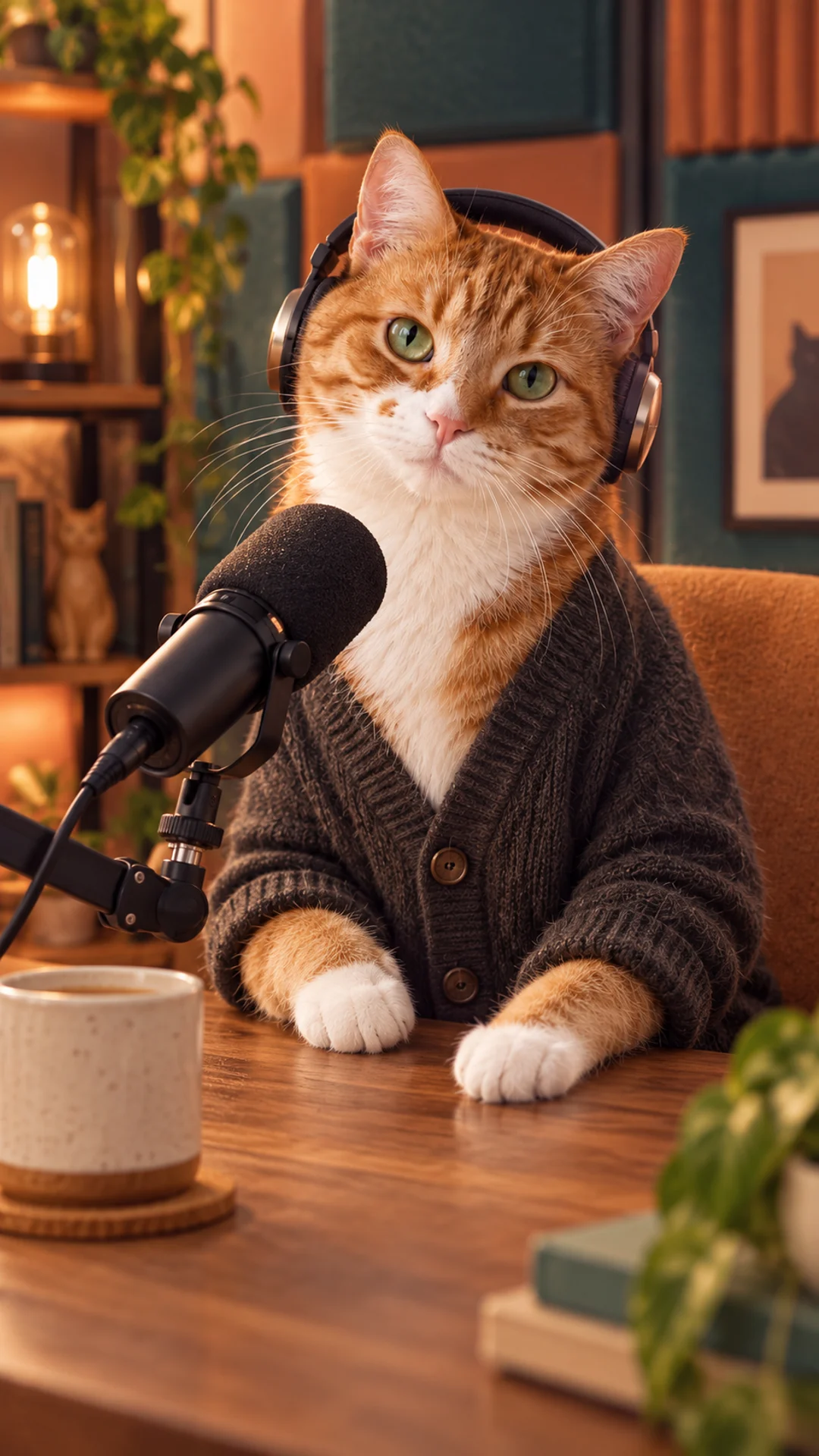
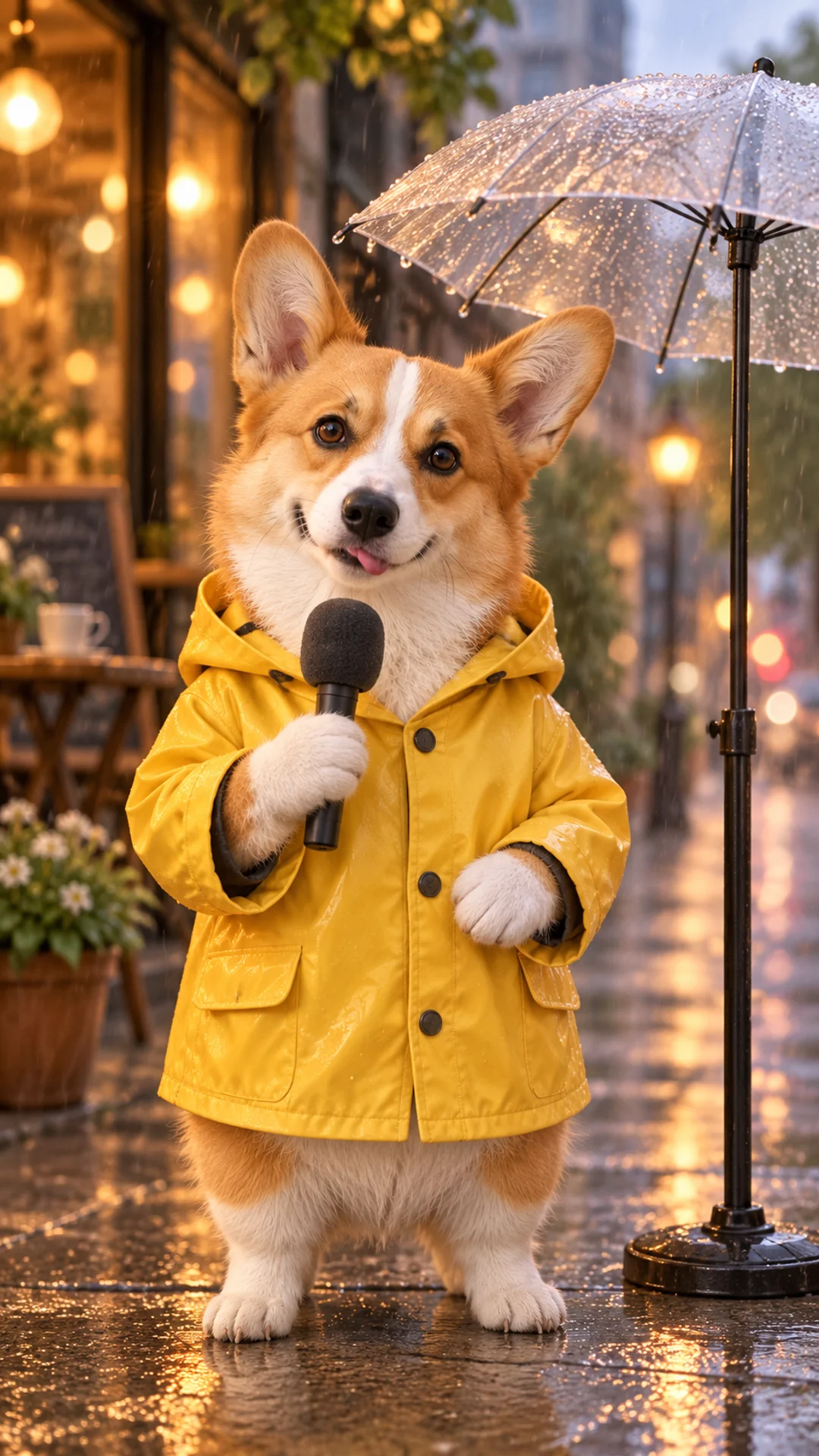
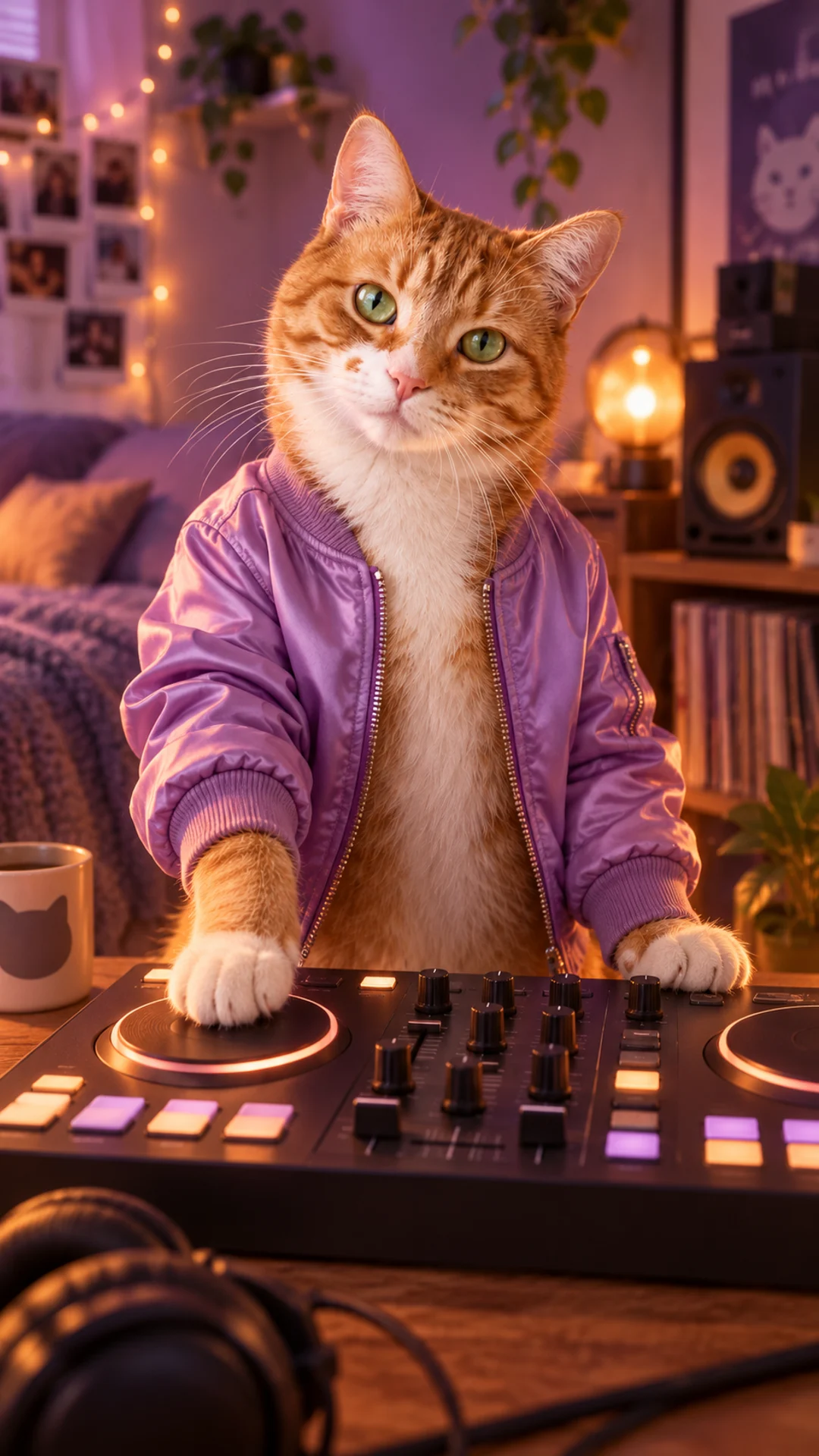
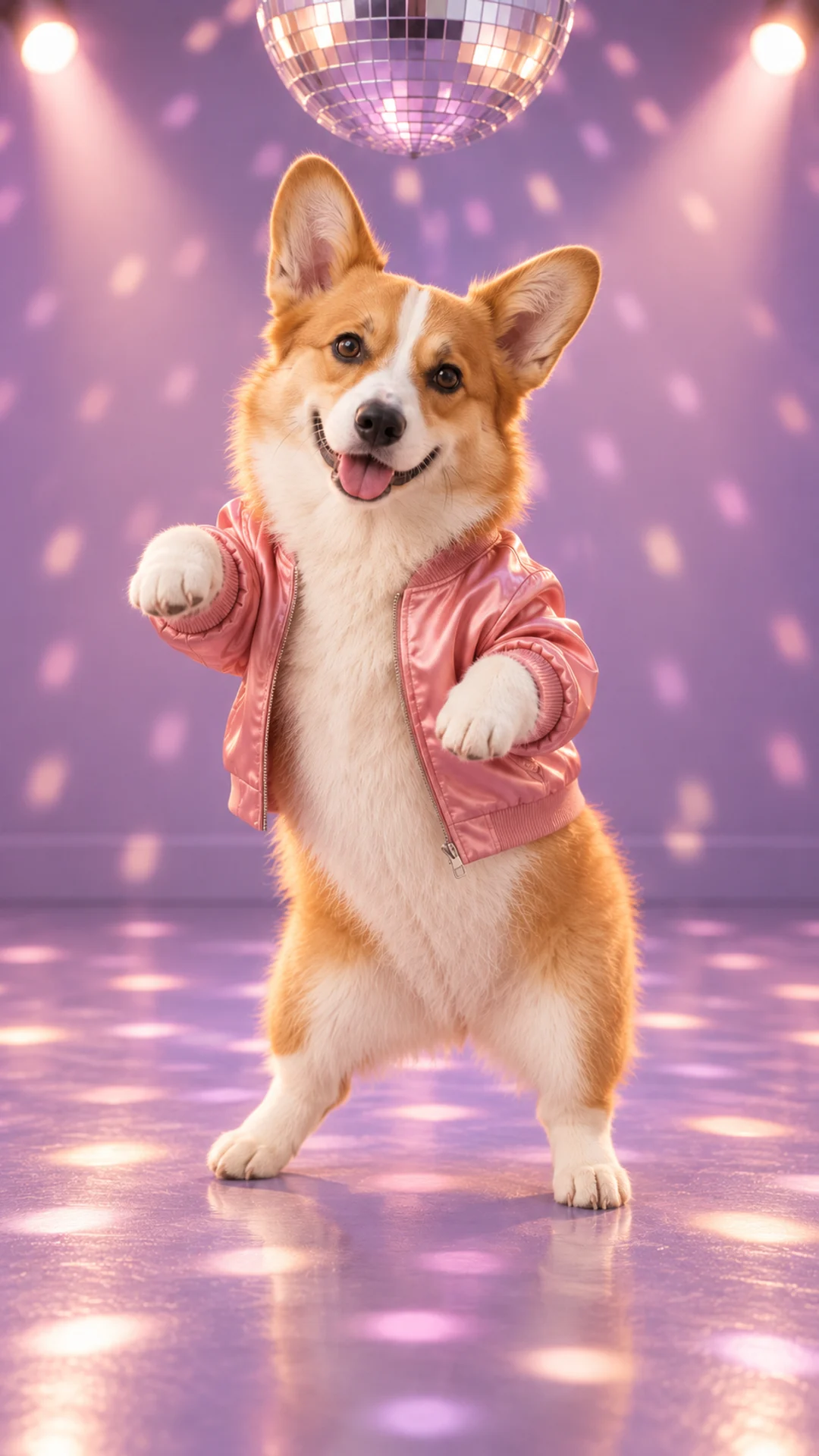
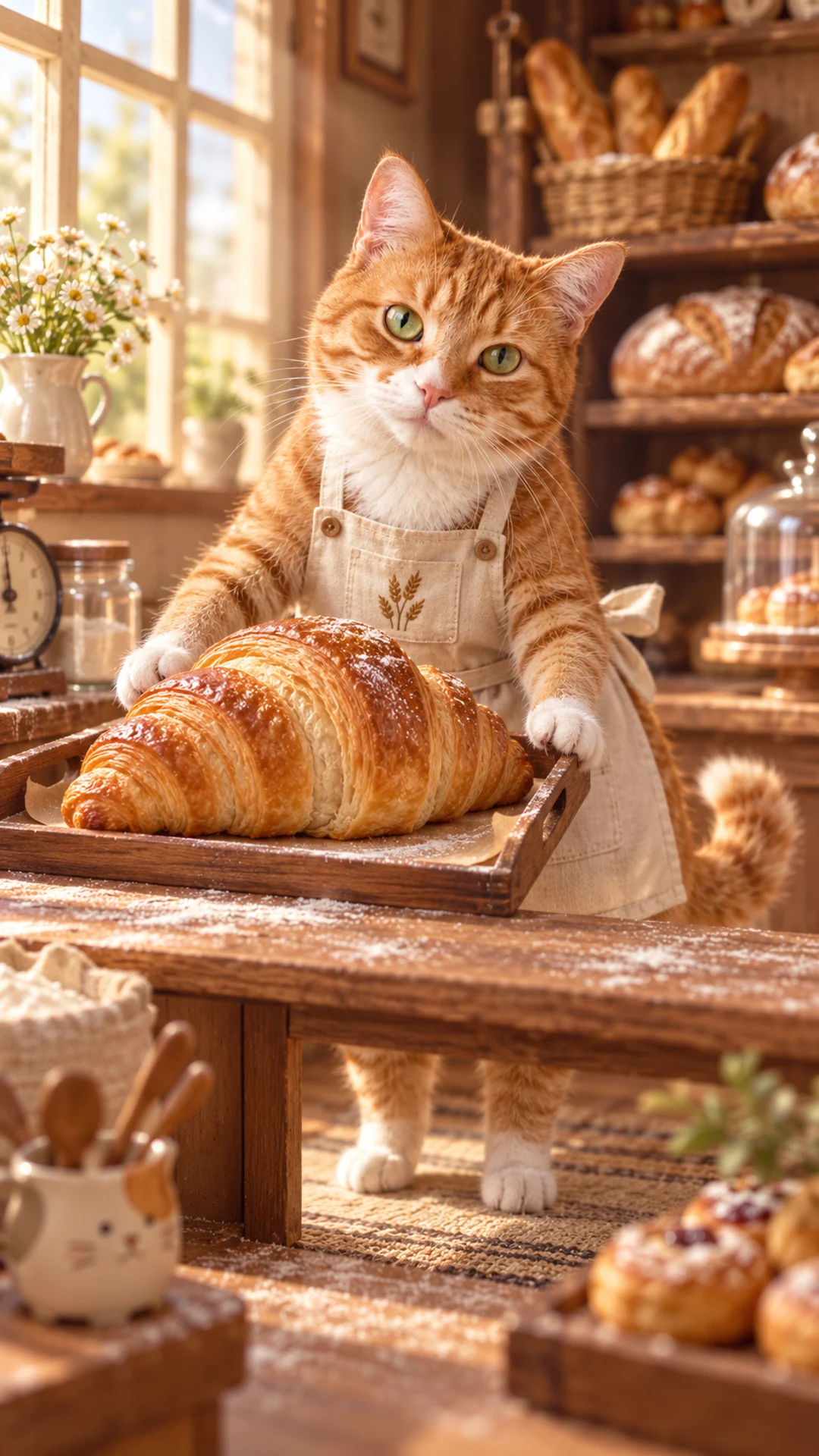
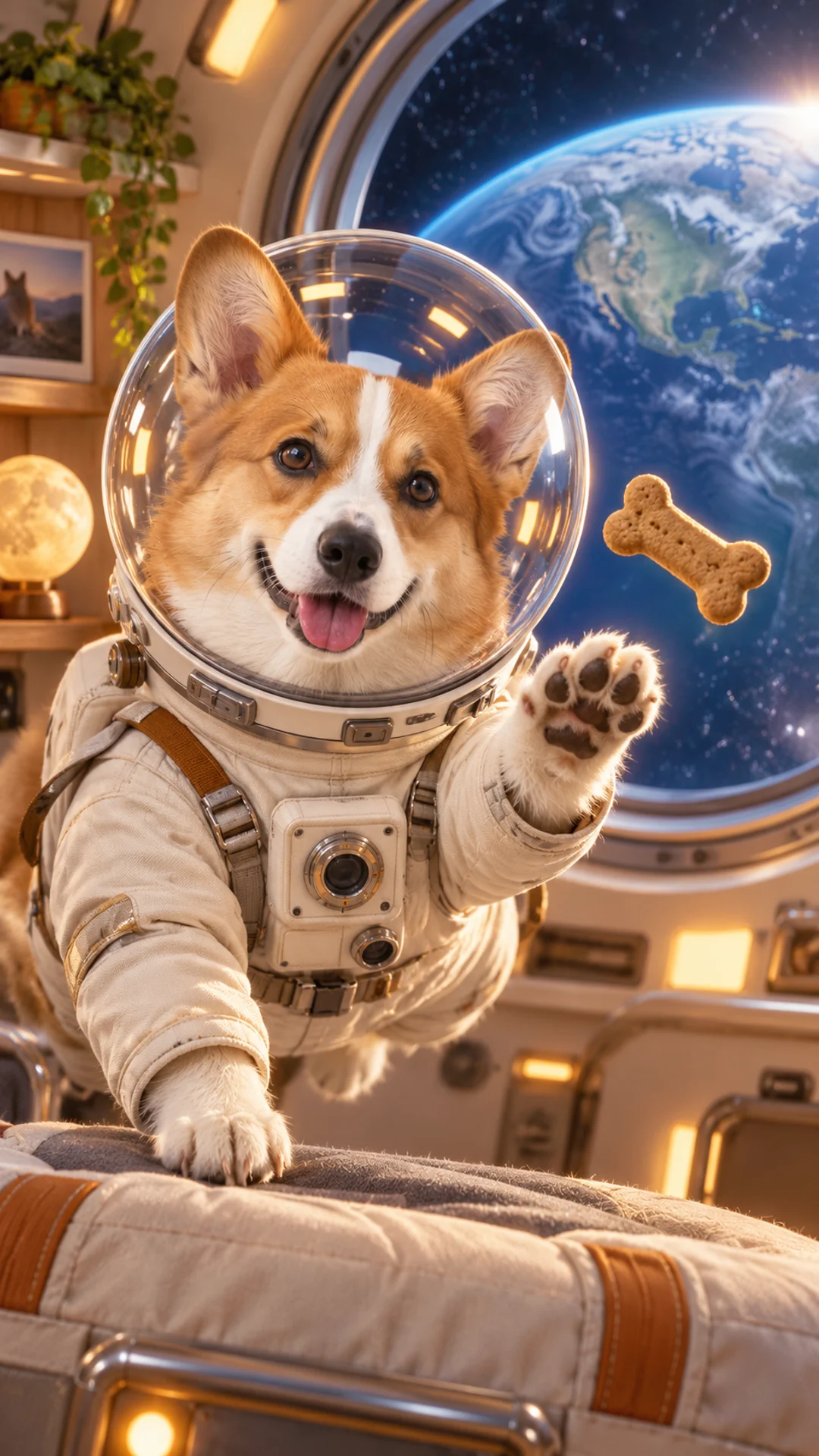
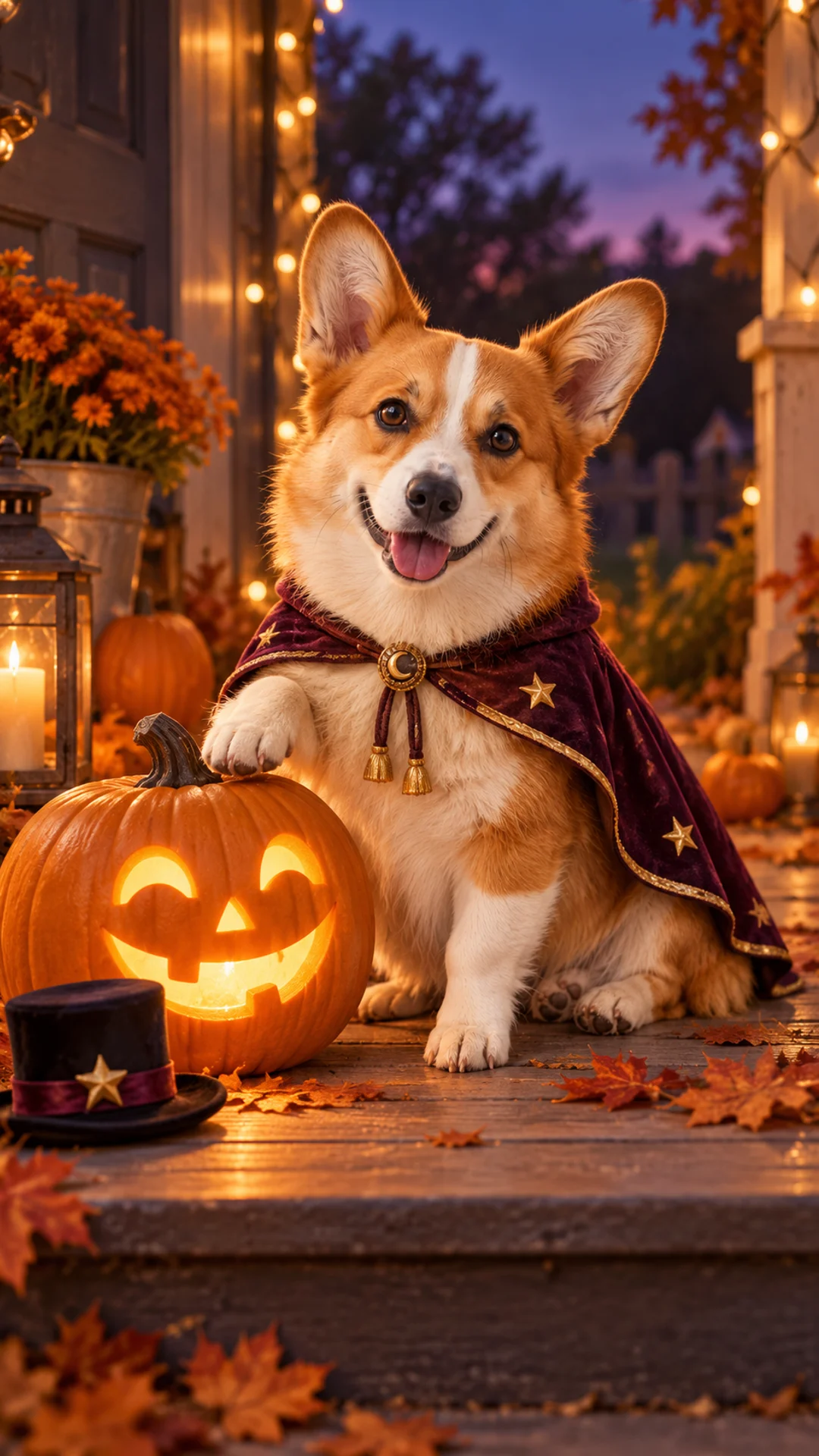
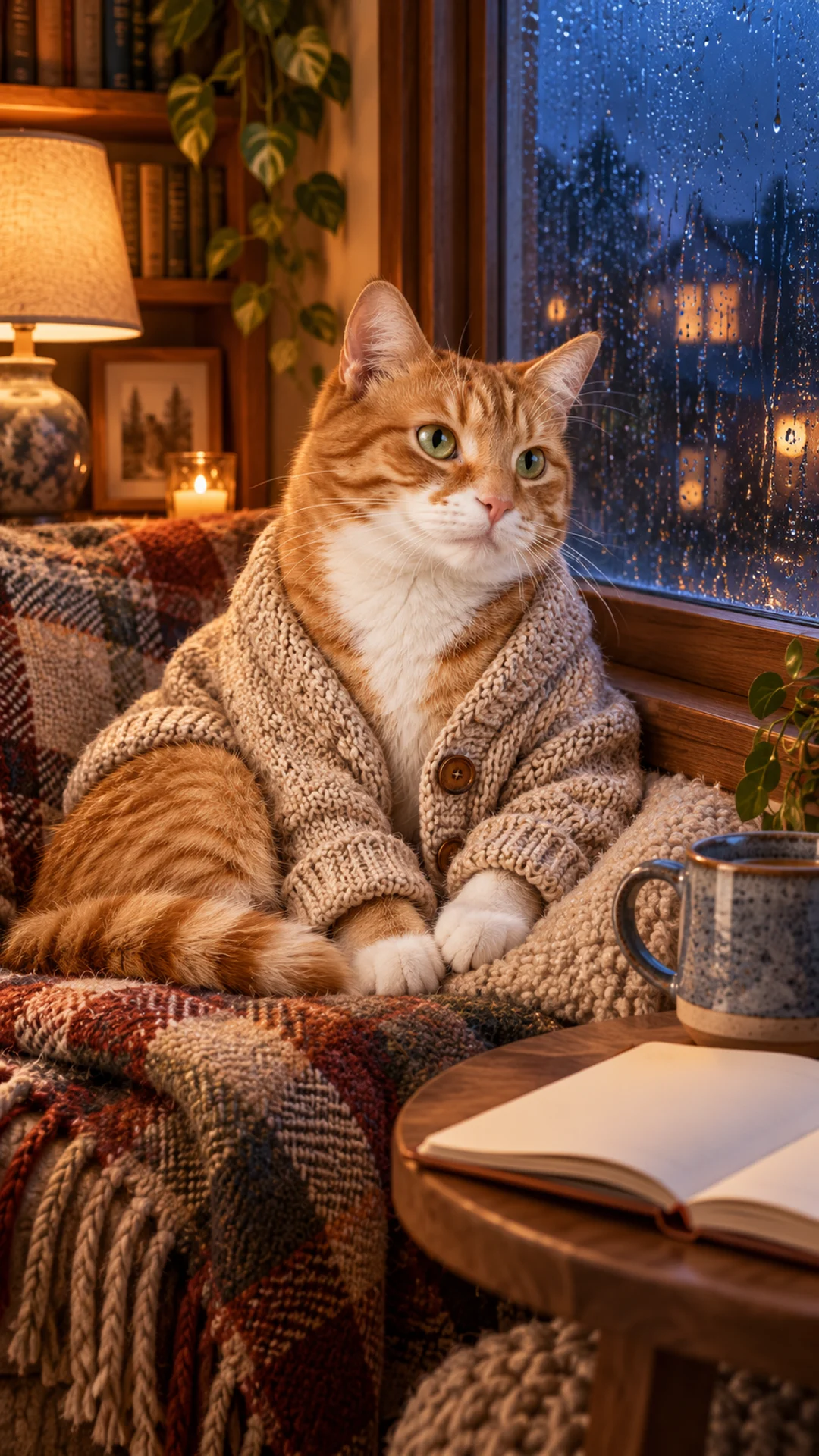
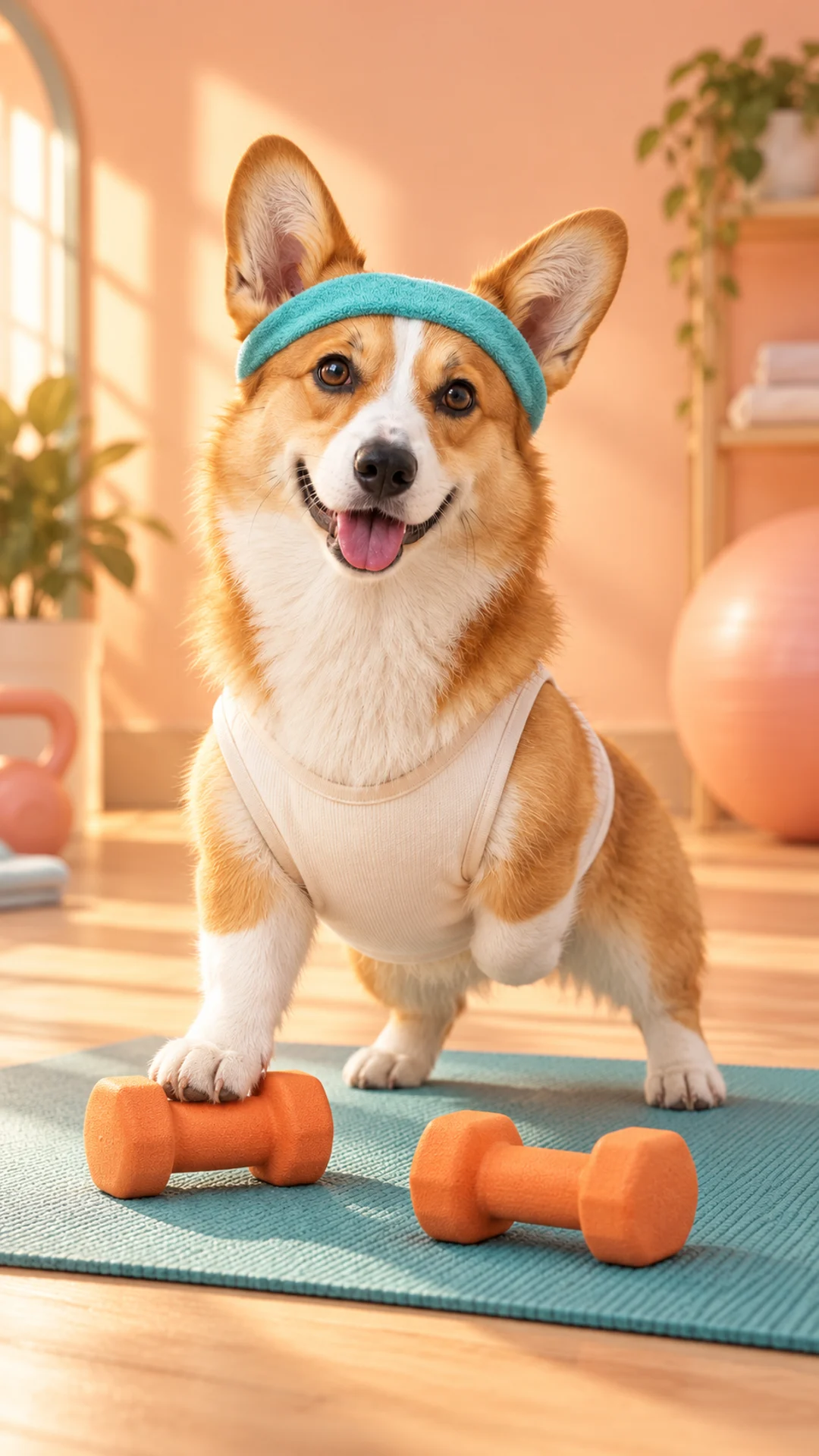
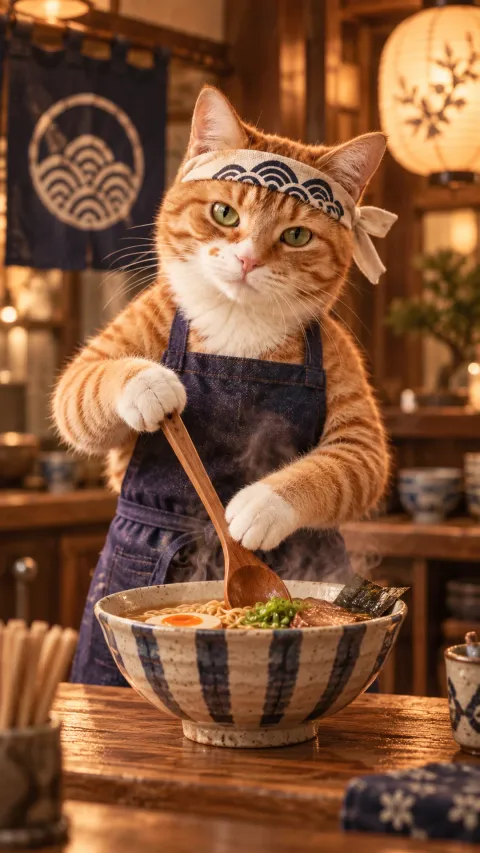
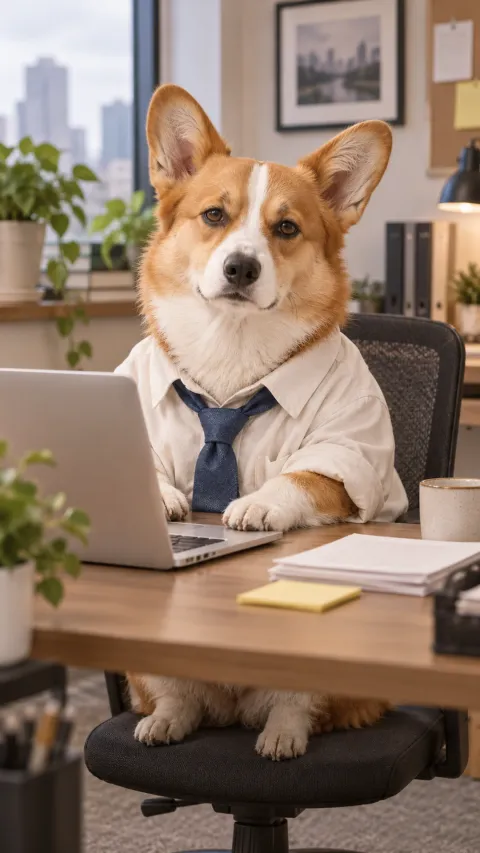
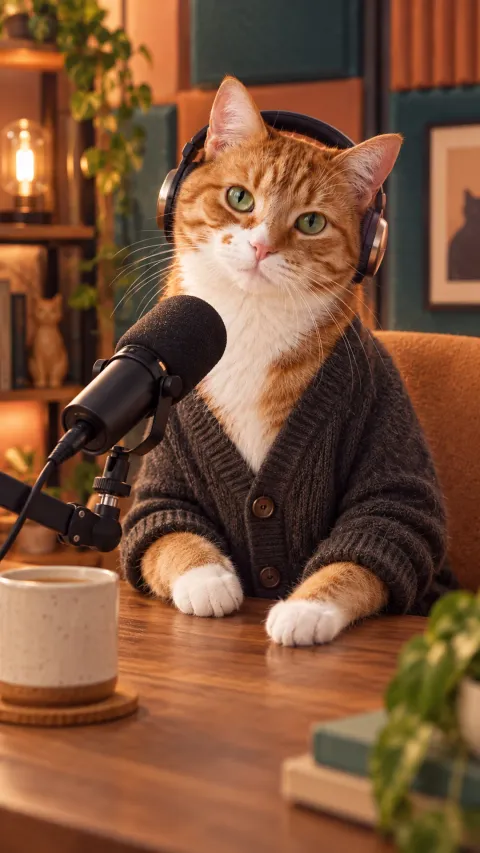
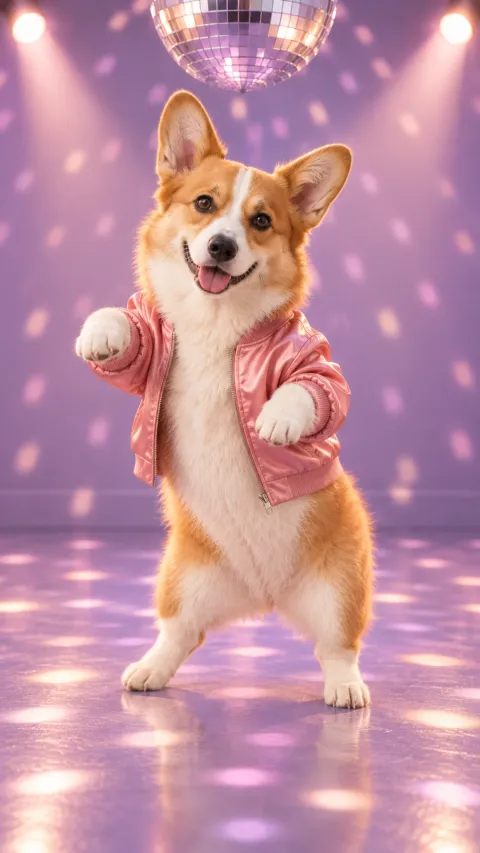
A five-second AI pet video works best when the scene has one readable action: a slow blink, a small head turn, a coffee-cup nudge or a short spoken line. Choose a scene, then use your own pet photos as the identity reference. Talking-pet scenes need extra checking for the words, pronunciation and mouth movement. If you also generate a new opening image, that is a separate image step; the quote shows the combined credit cost before you submit.
5-second AI video
5-second AI video
5-second AI video
5-second AI video
5-second AI video
5-second AI video
5-second AI video
5-second AI video
5-second AI video
5-second AI video
5-second AI video
5-second AI video
Little paws. Big stories.
Your pet has range.
Original pet videos, artwork and the recipes behind them. Pick a scene and press play.
These are individual tests with licensed photographs or a written prompt. Compare the details before choosing a workflow; each result can differ.
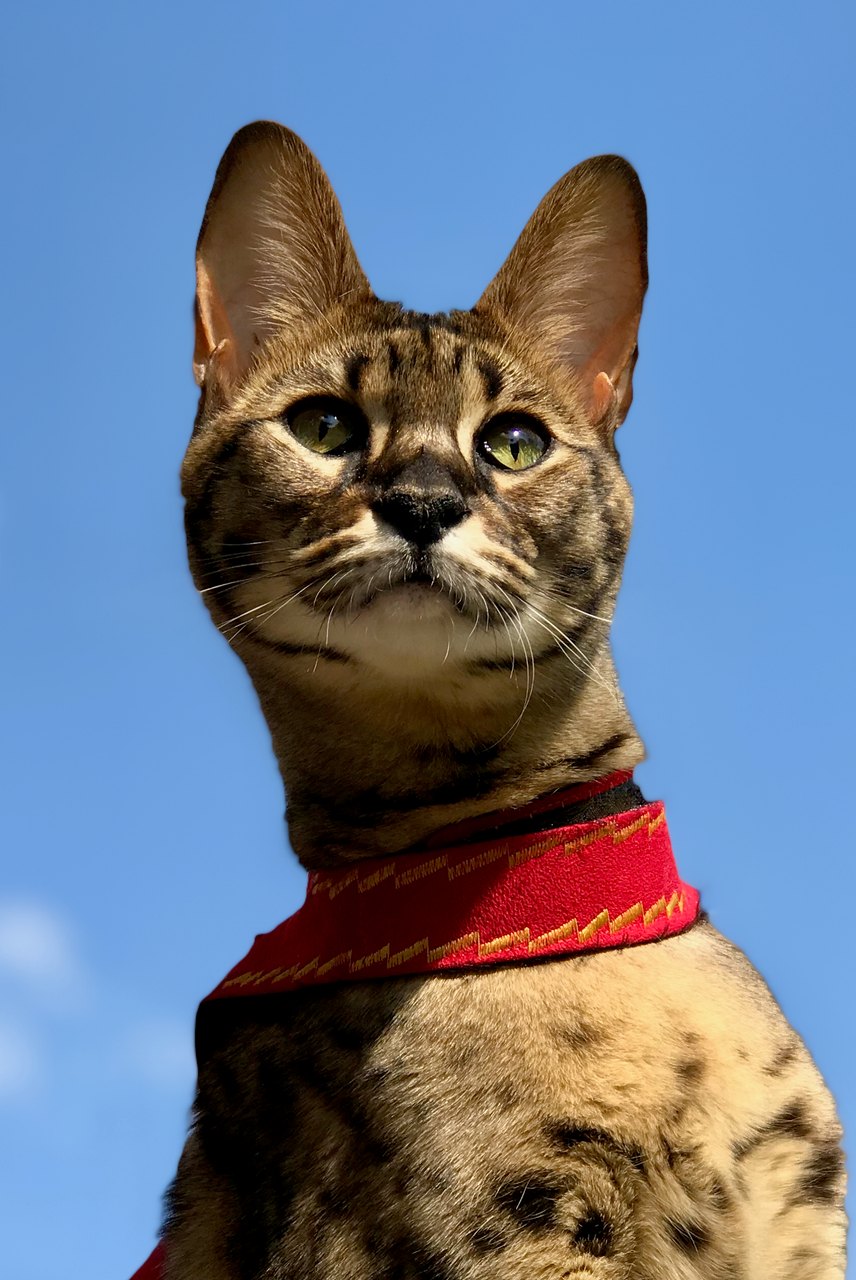
A small blink with the full reference in view
Your starting pointThe file you receive · 720 × 1280 · 5s
This sample closes and reopens its eyes, then slightly raises its head. The tall ears, green eyes and red harness remain recognizable. The light margins are visible in the result; exact blink counts and identity fidelity can vary.
Begin with the same open-eyed Savannah cat in the reference. The cat makes one slow, natural blink, fully reopening both eyes to the same original green eye color, then lifts its head just slightly. Preserve the exact tall ear shapes, muzzle, face proportions, asymmetric visible coat markings and red harness. Keep the body position, blue-sky background and camera almost still. Five calm seconds. No talking, yawning, eye-color change, exaggerated expressions, standing up, walking, new accessories, extra animals, text or scene cuts.
Images and videos are compressed for this page. The dimensions shown describe the downloadable original. Video previews use the delivered clip without changing its action or playback speed.
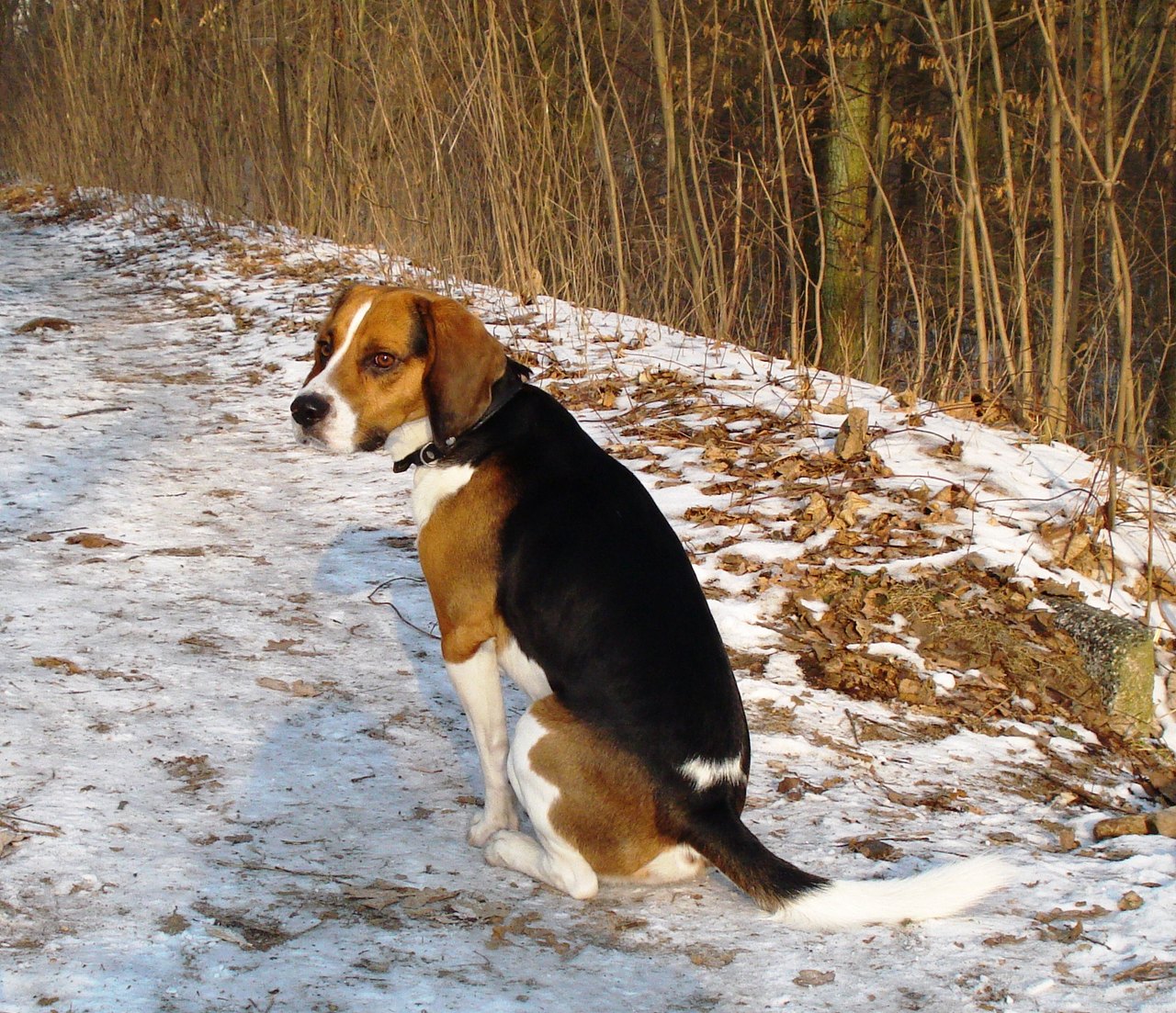
From sitting to a few forward strides
Your starting pointThe file you receive · 1280 × 720 · 5s
The dog stands and moves forward while the tail stays in view. The model invents the newly visible leg poses and turns the body away. This is a new motion interpretation; it does not preserve a recorded action. The reference margins remain visible.
Begin with the same seated tricolor dog from the reference. The dog calmly stands up on four paws, then takes two or three short jogging strides in the direction its body already faces. Use a stationary wide view with clear room ahead, keeping the entire visible body, both ears, all visible paws and the white-tipped tail inside the frame. Preserve the floppy ears, muzzle, white blaze and black saddle. Believable ground contact; no spins, no jumps, no camera tracking, no breed change, no clothing, no text. Five seconds.
Images and videos are compressed for this page. The dimensions shown describe the downloadable original. Video previews use the delivered clip without changing its action or playback speed.
Turn a pet photo into a short scene with a clear idea.
Start with a five-second moment such as a pet podcast, weather report or calm window scene. A simple camera and one action make the result easier to review. Speech, captions and body movement are separate things to check.
A portrait, a little video, or something to keep.
01
Custom pet portraits from photos
Choose a visual style for an avatar, phone wallpaper or printable portrait. Compare the eyes, ears and markings with the original before choosing your crop. The print-size checker uses the actual image dimensions to help you plan a frame.
Start with a five-second moment such as a pet podcast, weather report or calm window scene. A simple camera and one action make the result easier to review. Speech, captions and body movement are separate things to check.
Pair a portrait with a message or use the remembrance tools to plan a card, slideshow or song. Check names, dates and wording before creating a gift. Downloads are digital files; arranging a physical print or delivery is a separate step.
AI dog portraits and cat portraits, with room for every breed.
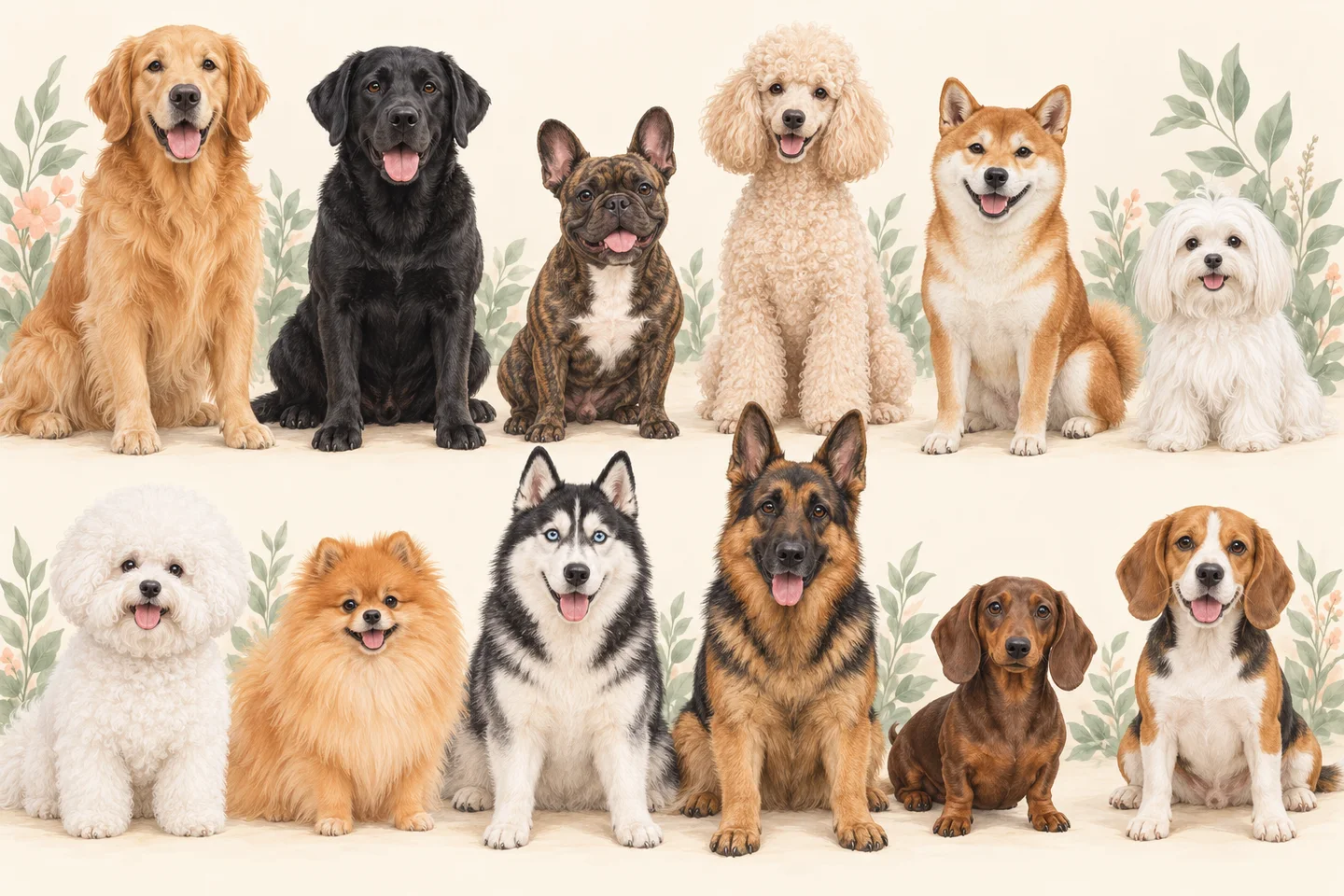
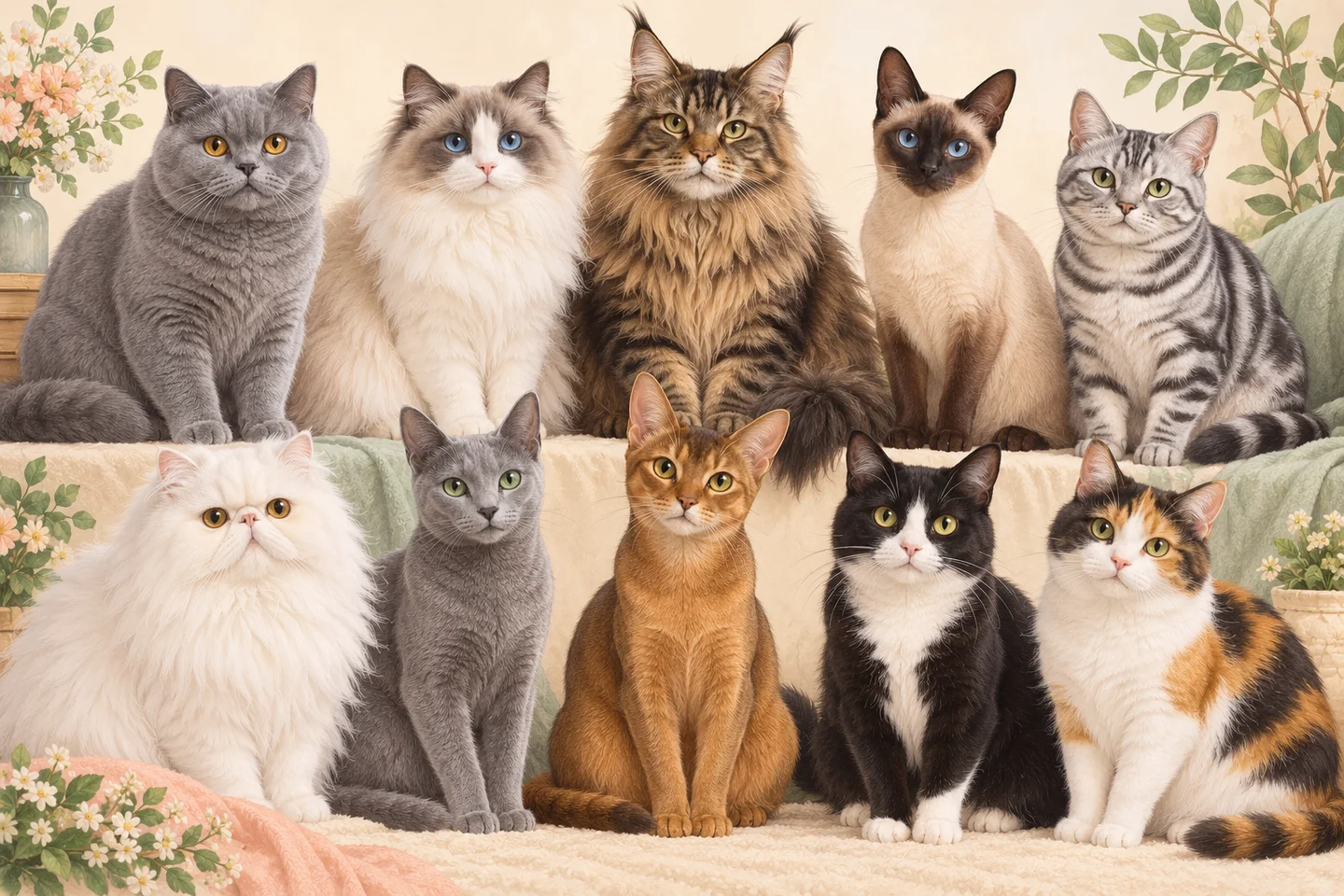
Golden Retrievers, French Bulldogs, Shibas, Maltese, Ragdolls, British Shorthairs and mixed-breed companions all have a place here. Use our breed guide to choose a clear photo, then bring that individual face into a portrait, a short scene or a keepsake.
Upload one to five JPEG, PNG or WebP photos, each under 12 MB. Use photos you have permission to upload. A small set of clear, consistent views is more useful than many blurred or heavily filtered pictures.
Show the whole face
Keep both eyes, the nose and ear edges visible. Eye-level or a gentle three-quarter view helps you compare the final portrait with the real pet. Remove distracting costume pieces from the reference selection.
Keep the real colors
Use soft daylight. White fur should still show texture; dark fur should not disappear into shadow. Skip color filters and note distinctive patches, scars or different-colored eyes that need checking in the preview.
Match the intended scene
For a full-body video, include a photo with paws and tail visible. For an avatar, a sharp face portrait may be enough. Keep one animal clearly identifiable in each image, and add another view only when it contributes useful detail.
From your photo to a keepsake
Create a pet profile
Sign in, verify your email and add the photos you have permission to use. Keep the name and any personal story accurate; a breed label is optional.
Choose a style and review the quote
Pick a portrait, scene or gift format and check the credit total. A video made from a new generated image includes both steps. Submit when the selected pet and instructions are right.
Check the details in the preview
Compare face shape, fur and markings with your reference. For video, watch the whole clip and listen to every spoken word. AI may alter details, so a successful generation still needs your review.
Save the version you want
Use purchased credits to unlock eligible originals. Download the available file and check its dimensions before printing. A crop changes the framing of a saved image; it does not create extra image detail.
Know which file you are creating.
Preview and original downloads serve different purposes. Check the current credit quote and the delivered file details; the illustrations on this page are style concepts, while playable samples are identified separately.
Format
Preview / preparation
Original / export
Custom pet portraits from photos
Watermarked image, longest edge up to 768 px
Paid original; check actual pixels with the print-size tool
AI pet videos and talking-pet scenes
Five-second clip, 480p watermarked preview
720p original for eligible unlocked works
Digital pet gifts and memorial keepsakes
Confirm portrait, name and card message
Digital image, card and print files according to the chosen gift; no physical shipping
Yes, you can prepare a request using your own dog or cat photos, including mixed breeds. The example animal is a scene reference, not the identity to copy. The breed directory offers photo advice for 48 entries; it is not a claim that every breed has passed a separate quality test.
Will an AI portrait look exactly like my pet?
Exact identity is not guaranteed. Clear photos help, but stylization can change muzzle shape, eye color or markings. Compare those details before keeping a result. A stronger art style may move further from a natural photograph, so choose the level of stylization that fits your goal.
How do free previews and paid originals differ?
After email verification, the trial includes two image previews, one five-second video and the first 20 seconds of a song. Free and bonus-credit outputs carry a watermark. Purchased credits are required to unlock eligible originals. The quote shows the cost before submission; check the pricing page for the current packages.
Can I make my dog or cat speak Japanese or Korean?
Talking scenes accept short dialogue in the selected language. Keep it to one concise sentence or two short phrases for a five-second clip. Pronunciation, timing and lip movement can vary. Our Japanese and Korean test clips are available to inspect; they do not guarantee the same result for a new photo or line. Caption translations alone do not change the spoken audio.
Can I print the portrait or order a physical gift?
The product provides digital files. Use the print-size checker with the delivered image dimensions, then arrange printing with a service you choose. A downloaded card PDF or gift ZIP is not a shipped product. Small source images and tight crops can limit suitable print sizes.
Can I use a memorial photo or write my own message?
Yes. Choose a photo you have permission to use and keep the remembered details faithful to the pet. You can prepare your own card wording and review names and dates before submission. Memorial tools can help organize a tribute; they cannot confirm personal facts for you.