Made for this idea
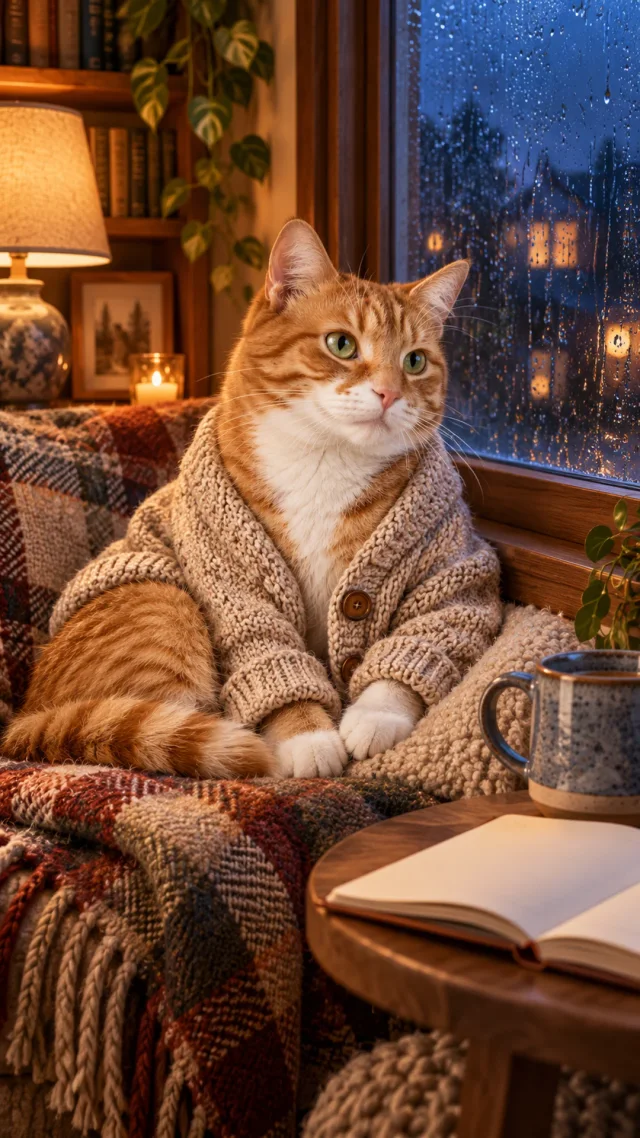
A vertical pet image with breathing room for the clock and icons. A good wallpaper keeps the face visible without making the home screen difficult to read.
Make a dog wallpaper from a photo in your browser. Choose phone or desktop dimensions, adjust the crop, and download a PNG without uploading the image.
Your next useful step
This tool works in your browser. Your selected photo is not uploaded, and no generation credits are used.
Make a wallpaper from your dog photoChoose a screen size, position the photo, and download the finished PNG. This layout tool does not generate or alter your dog.
This tool works in your browser. Your selected photo is not uploaded, and no generation credits are used.
Your photo will appear here.
Have a photo already? Use the free local editor above. To create a different scene or style first, this separate AI workflow uploads your reference and uses generation credits. Save the result, then reopen it in the local editor.
Illustrative scenario, not a customer testimonial.
A portrait looks good until the lock-screen clock covers the eyes. Move the subject lower, choose the target pixel size in the crop tool and compare fit versus fill before downloading the PNG for your own phone.
Pet phone wallpaper
A vertical pet image with breathing room for the clock and icons. A good wallpaper keeps the face visible without making the home screen difficult to read.
Choose 9:16, place the pet below the clock area and ask for a quiet upper background. Your phone may use a taller ratio, so allow extra margin on both sides.
Check the lock screen and home screen separately. Use the wallpaper crop tool for target pixel dimensions, and ensure the phone’s zoom has not cut off the ears.
Upload one to five JPG, PNG or WebP references, each up to 12 MB. Start with a clear face and add another angle only when it explains a marking or body feature.
Say what should change and what should remain: for example, change the setting while keeping the ear shape, eye color and chest patch. Avoid combining an outfit, background, pose and lighting change in the first attempt.
Check the quoted credits before submitting. When the work is ready, compare the face, edges and composition; for video, watch the beginning, middle and end. Download the accepted file from your library before its expiry date.
Image to image
This editable preset guides the model. Review the result before keeping it; a preset is not a guarantee of likeness, exact motion or flawless editing.
Edit the uploaded pet photograph. Vertical pet wallpaper with calm negative space above the head. Preserve the pet’s recognizable face, coat markings and proportions. Do not add text or watermarks.Try the other starting point · Text to image →
This is an AI demo from a real generation run. It illustrates the input mode; it is not a result for every style or a customer photograph.
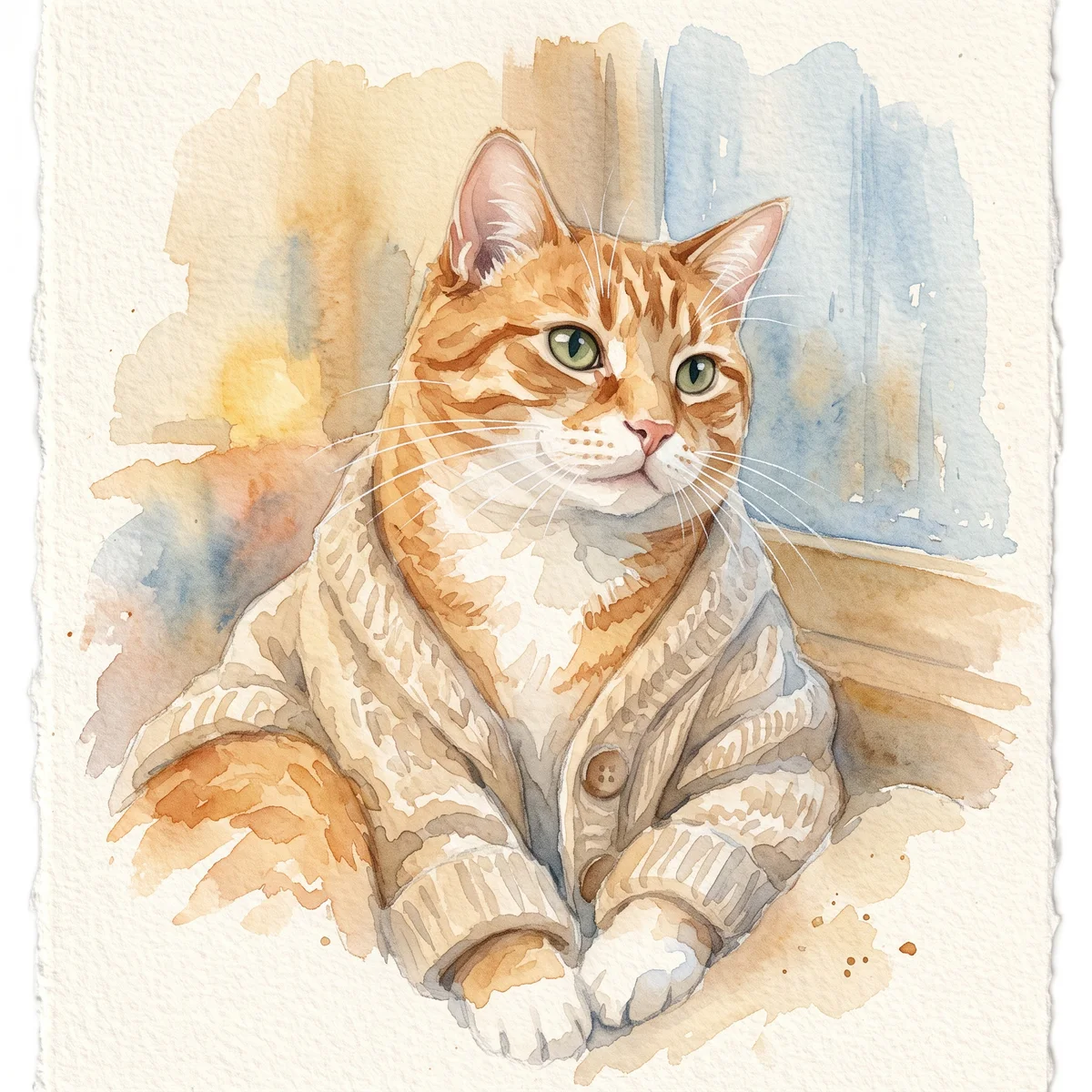
A new image guided by your references. The result may reinterpret fine details; keep the original photo for comparison. This is whole-image generation rather than a pixel-locked masked editor.
Check the lock screen and home screen separately. Use the wallpaper crop tool for target pixel dimensions, and ensure the phone’s zoom has not cut off the ears.
Make a wallpaper from your dog photo →Free previews carry a watermark: images up to 768 px on the long side and videos at 480p. They remain available for 14 days. Original access requires purchased credits when checkout is available; unlocked works are kept for 90 days. Check the actual dimensions and expiry on the completed work.
View pricing and access →Uploads and generated files belong to your private workspace. Generation providers process the material you submit. Sharing is a separate choice; upload only material you have permission to use.
Read the data-handling notice →Upload one to five JPG, PNG or WebP references, each up to 12 MB. Start with a clear face and add another angle only when it explains a marking or body feature.
Check the lock screen and home screen separately. Use the wallpaper crop tool for target pixel dimensions, and ensure the phone’s zoom has not cut off the ears.
A reference image gives the model information to work from, but distinctive markings, proportions and expressions can change. Text-only creation invents a pet from your description. If exact documentary detail matters, retain the original photo alongside any AI interpretation.
Free previews carry a watermark: images up to 768 px on the long side and videos at 480p. They remain available for 14 days. Original access requires purchased credits when checkout is available; unlocked works are kept for 90 days. Check the actual dimensions and expiry on the completed work.
This editable preset guides the model. Review the result before keeping it; a preset is not a guarantee of likeness, exact motion or flawless editing.
Updated 2026-10-12
Make a dog wallpaper from a photo you already have. The editor above exports a PNG at a selected phone or desktop size. It works in your browser and does not upload the selected file, use generation credits or invent new parts of the dog.
Choose portrait dimensions for a phone or landscape dimensions for a desktop. The presets are output sizes, not a claim that every device uses that exact resolution. Check your own display settings if you need an exact match.
“Fill the screen” crops the photo to cover the canvas. “Fit the whole photo” preserves all of it and fills the remaining space with your chosen color.
Use the horizontal and vertical controls to position your dog. On a lock screen, a face near the very top may compete with the clock or camera area. On a desktop, consider where your icons normally sit.
Try the downloaded file on the actual device. Wallpaper software can zoom or shift the image after you choose it; the exported PNG does not control those settings.
A close headshot and a full-body photograph need different framing. If filling a tall screen cuts through the ears, switch to fitting the whole image instead of stretching it.
The background color is a layout choice. This tool does not remove the original background. For a manually outlined cutout, use the transparent sticker editor and save it as a separate image.
The download is a new file. Keep the original in your own photo library so you can make another crop later. Enlarging a small photo increases the canvas size, not the amount of recorded detail.
You can also use a digital portrait you have already downloaded. The pet portrait gallery offers creative styles before this layout step.
A dog wallpaper needs to fit the screen where it will appear. Enter or choose the intended output dimensions, then review how the source image is cropped. Two devices with different proportions may need different crops even when both images are vertical. Keep the full source unchanged and save a separate device version. A crop that fills the screen is only the first check; the clock, notifications and other interface elements may cover a face that looked well placed in the editor.
Place the dog so the eyes, ears and muzzle remain visible under the device’s usual controls. For a lock screen, check the actual clock and notification area after setting the wallpaper. An illustrative design might keep the head lower in the frame and use a quiet background above it. This is a composition choice, not a guarantee about every phone interface. If you need a new portrait first, the AI portrait workflow can create an image that you then inspect and crop separately.
A tighter crop uses fewer of the source pixels. Enlarging that crop to a larger output size does not prove that fine facial detail has been recovered. If the face becomes unclear, choose a less severe crop or find a better original. The dog photo guide helps select a reference with the needed space and proportions. Keep ears and paws inside the frame when they matter, and do not stretch the image simply to fill a different aspect ratio.
Download the wallpaper, set it on the intended device and inspect the displayed result rather than only the browser preview. Check whether the device applies an additional crop or zoom. Keep both the full image and this device-specific copy so you can adapt it later. For a small transparent asset rather than a full-screen image, use the dog sticker tool. For choosing a gift format, the personalized pet gift guide helps decide which file the recipient can actually use.
Yes. The editor uses the image you select and does not identify the animal. It also accepts your own pet artwork.
The whole photo is being fitted without cropping. Select “Fill the screen” to crop instead, or choose a background that works with the picture.
No. Download the PNG, then choose it in your device's wallpaper settings. The tool does not change system settings.
Keep the version that leaves your dog's face visible on your actual screen, not only inside the editor preview.